- Local time
- 9:46 PM
- Messages
- 416

My Computer
At a glance
windows Ultimate
- Computer type
- Laptop
- Computer Manufacturer/Model Number
- compaq
- OS
- windows Ultimate

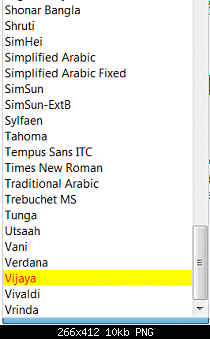

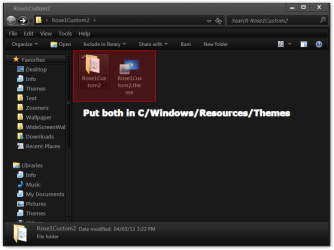
It's the theme with the changes you wantedWhat is that zip for? Could you explain please?
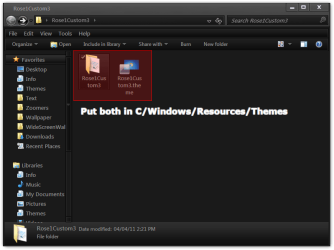
Your Welcome Rose1Excellent. Thank you for your help and been patient with me. I appreciated. If I have other question I will be posting at this forum ☺
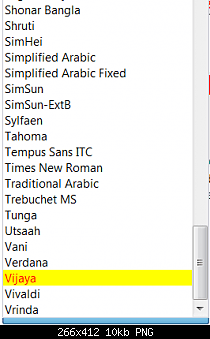
You can with WSB & Photoshop Or Gimp or PaintI wish windows 7 put options for all these situations. I had to other question, but it is not important and I don't want to bother you with it. I wish I can do what you did.
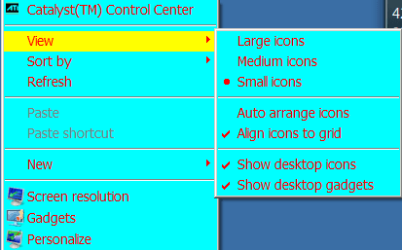
What is it you want changed the color or what??This will be my only last thing to ask hopefully. The only thing I want to change was when I go to the right click on empty space on desktop I want to change to this screenshot. Ignore the blue background.
Yes I can see that but what is it you want changed?The desktop when clicking on empty space right click.
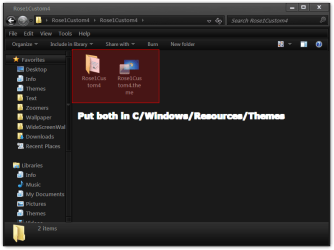
Here you go download and open the zip folder and open the folder inside of it and put the two in C/Windows/Resources/ThemesRight now when I click on empty desktop on right click the highlight is to gray.