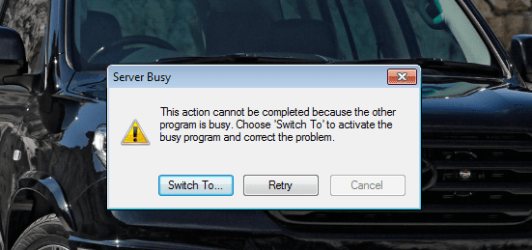
Would like to know if you've tried restarting the system; or does the message appear when the system resumes from sleep/hibernation? Please try a complete restart, if not tried already.
It appears that some program in the computer is trying to check for updates. Please share if the 'error appears' by itself; or an application triggers it. While researching, found that the issue could be related to 'Internet Explorer 9'. Try to reset 'proxy settings' in 'Internet Explorer': How to reset your Internet Explorer proxy settings.. If you still experience issues, try uninstalling 'Internet Explorer 9' to see if that helps.
If the issue persists, you may also try using the system in 'Safe Mode'; and share results. To boot to 'Safe Mode', power on the notebook and repeatedly tap 'F8 key' at 'Dell Splash Screen' > Use the 'Down Arrow key' to highlight 'Safe Mode' and tap 'Enter' > Share Results
Hope this helps. Do reply with the findings; would be glad to assist.
Would like to know if you tried the steps I suggested in my previous post. Since you are facing the trouble when 'Windows starts', a 'clean boot' is likely to isolate the root cause. Some users have also reported a similar issue with 'Internet Explorer 9'.
Please try the troubleshooting steps that I shared and post back with the findings; glad to assist.
Please correct me if I misunderstood. The 'error message' does not appear on 'system restart' and in 'safe mode'; correct?
Also instead of 'updating Internet Explorer', try to reset 'proxy settings': How to reset your Internet Explorer proxy settings.
You may try a clean boot to isolate the culprit, if the previous step does not work: How to perform a clean boot to troubleshoot a problem in Windows Vista, Windows 7, or Windows 8
It appears that a program (that gets loaded in 'Normal Mode' at 'Start up') tries to communicate with a server. Please try a 'Clean Start up'; should help you to find out the program that causing this issue.
Apart from the 'Microsoft Fixit', also follow the steps as mentioned in the tutorial.
- Hide All Microsoft Services > Disable half of the check boxes in the Services list > Restart system and check results > If the issue does not appear, select the 'Services' that you left-out earlier and check if you are able to duplicate the issue > If the issue duplicates, narrow down the search further by selecting half of the current services.