Thornz,
Please use the tool:
Zoek
First, temporarily disable your AV program.
Info on how to disable your security applications >
How To Temporarily Disable Your Anti-virus, Firewall And Anti-malware Programs - Security Mini-Guides
Zoek Download >
Download z o e k . e x e version 5.0.0.0
When the download appears, save to the Desktop.
On the Desktop, right-click the Zoek.exe file and select:
Run as Administrator (Give it a few seconds to appear.)
Next, copy/paste the entire script inside the code box below to the input field of Zoek:
Code:
createsrpoint;
emptyfolderscheck;delete
emptyclsid;
emptyalltemp;
resethosts;
ipconfig /flushdns;b;
autoclean;
firefoxlook;
chromelook;
hijackthis;
srestore;
Now...
Close any open Browsers.
Click the
Run script button, and wait. It takes a few minutes to run all the script.
When the tool finishes, the zoek-results.log is opened in Notepad on the Desktop.
The log is also found on the systemdrive, normally C:\
If a reboot is needed, the log is opened after the reboot.
Please provide the
zoek-results.log in your reply.
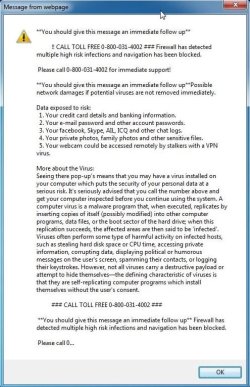
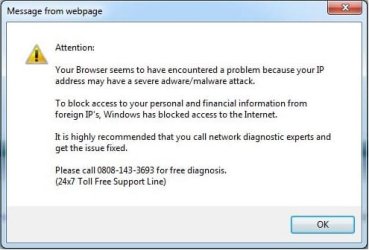
Also, please provide an update on how the computer is doing. Any more obnoxious notices?