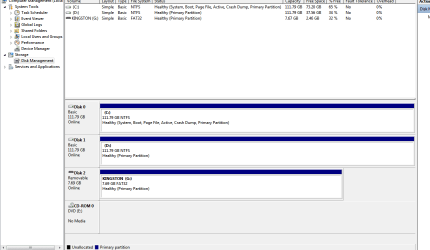
I have a HP Notebook and it has a 12 gb unused partition that I tried to delete that was used for "HP System Recovery" (Press F10) which reinstalled XP each time from the original installation . Now that is not needed because I am using Acronis Home 2010 Disk Imaging and can restore my computer with the recovery CD I have made as part of this program. I can see in my computer management/ disk management console that this is still there.
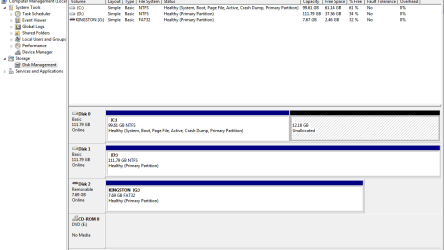
It says 12.18 gb "unallocated" I wish to free this up and use it as part of my C:\ drive
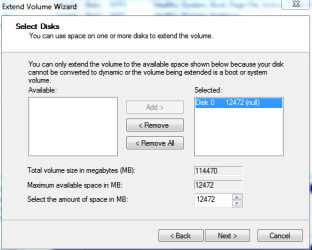
Can I use the "Extend Volume" Wizard to increase the size of my disk space and remove this unallocated space?
It says 12.18 gb "unallocated" I wish to free this up and use it as part of my C:\ drive
Can I use the "Extend Volume" Wizard to increase the size of my disk space and remove this unallocated space?
Attachments
My Computer
At a glance
Windows 7 7600 x65 Ultimate Signature Edition
- Computer Manufacturer/Model Number
- GENERIC
- OS
- Windows 7 7600 x65 Ultimate Signature Edition
- Screen Resolution
- 1920 * 1200