dsopocy
New member
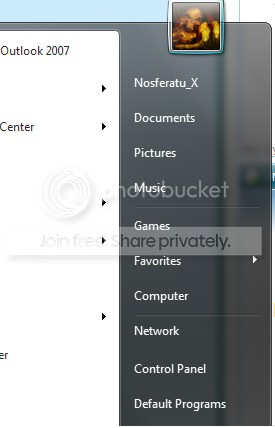
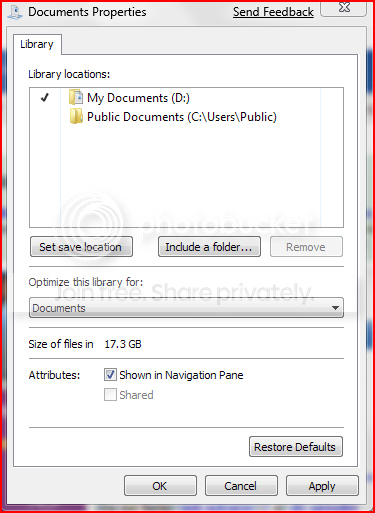
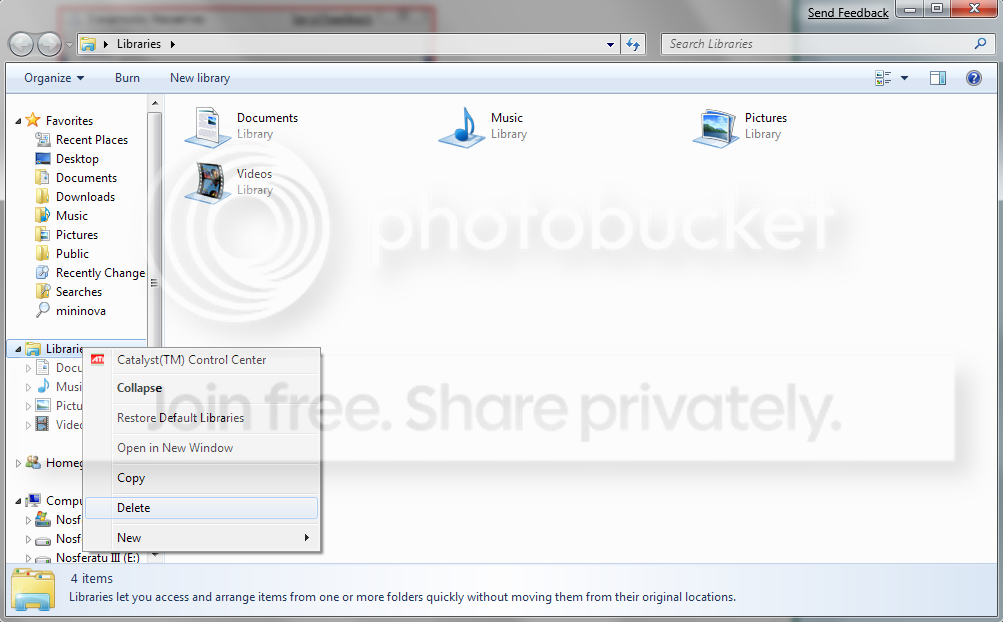
Upon upgrading Vista Ultimate 64 to Windows 7 Ultimate 64, the Documents Library in my installation of Win 7 is non-functional. Selecting Documents from the Start Menu does not open a window. Opening my personal Library from the Start Menu and clicking on Documents does nothing. Currently, I'm resorting to navigating through Computer --> Local Disk --> Users --> my name --> My Documents to access my documents.
Has anyone else encountered this bug and/or have any ideas how to fix it?
Has anyone else encountered this bug and/or have any ideas how to fix it?
My Computer
At a glance
Windows 7 Professional 64-bitPentium D 3.20 GHz (Intel64 Family 15 Model 4...6GB 667 MHz DDR2 + ~4GB ReadyBoostOEM nVidia Geoforce 6800 256MB
- Computer Manufacturer/Model Number
- Dell XPS/Dimension 600 /Model Dell DXG051
- OS
- Windows 7 Professional 64-bit
- CPU
- Pentium D 3.20 GHz (Intel64 Family 15 Model 4 Stepping 4)
- Motherboard
- nVidia nForce4 SLIx16; Dell Phoenix BIOS PLUS v1.10 A11
- Memory
- 6GB 667 MHz DDR2 + ~4GB ReadyBoost
- Graphics Card(s)
- OEM nVidia Geoforce 6800 256MB
- Sound Card
- OEM X-Fi XtremeMusic (Model SB0467); OEM Realtek AC'97
- Monitor(s) Displays
- Dell 2007FP (21" Flat Screen)
- Screen Resolution
- 1600 x 1200 x 32-bit
- Hard Drives
- 3, Maxtor 7 L250S0 SCSI Disk Device 232.8Gb;
NVIDIA STRIPE 465.66G;
HL-DT-ST DVD+-RW GWA4164B ATA Device;
TSSTcorp DVD-ROM TS-H352C ATA Device
- Internet Speed
- Cable - 5164/3161 per recent DSL Reports test
- Other Info
- Pinnacle PCTV 800i; Logitech QuickCam Ultravision Pro