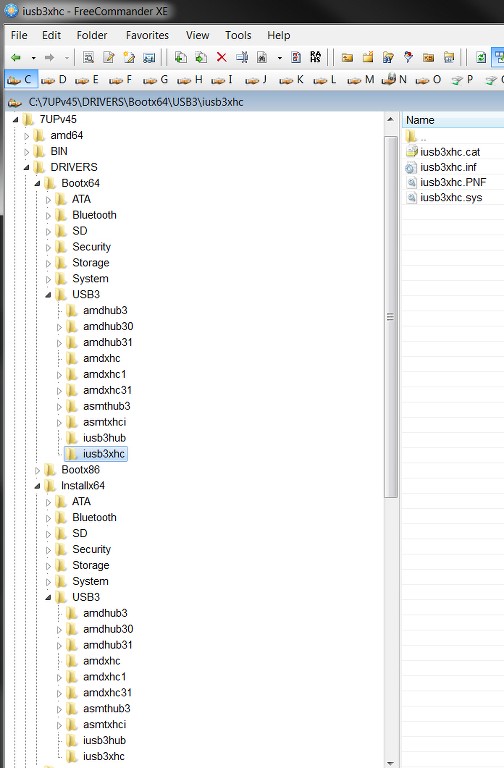
They are in the "Gigabyte utility". You can extract them from the "HOTFIX" folder:
Windows6.1-KB2990941-v3-x64.msu
Windows6.1-KB3087873-v2-x64.msu
AHA! I already had them available.
UPDATES\Bootx64 folder
UPDATES\Installx64 folder
Now I know where they go.
Now I understand what you meant.
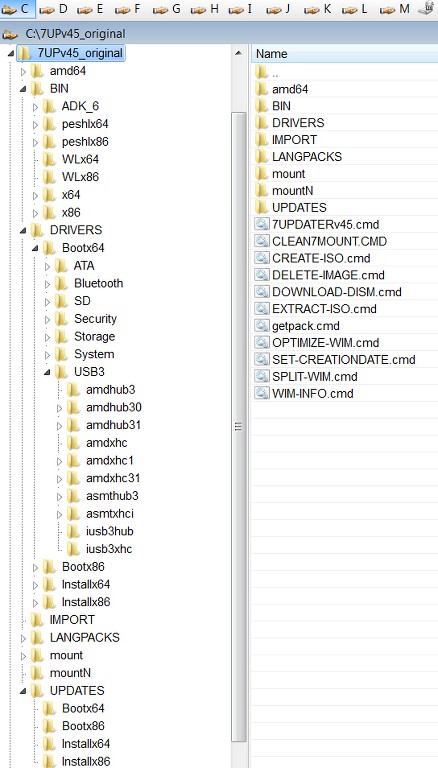
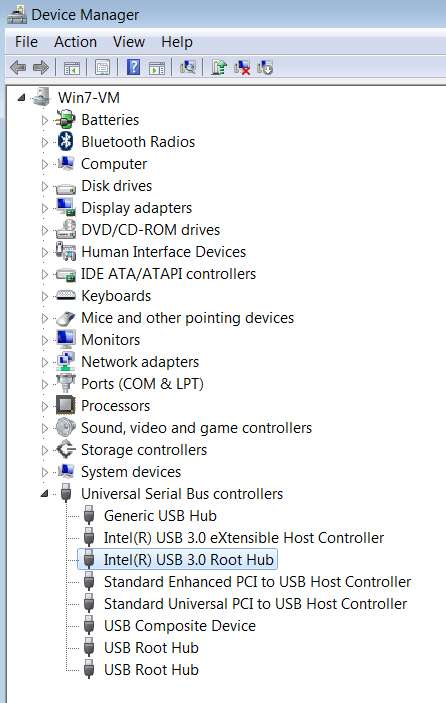
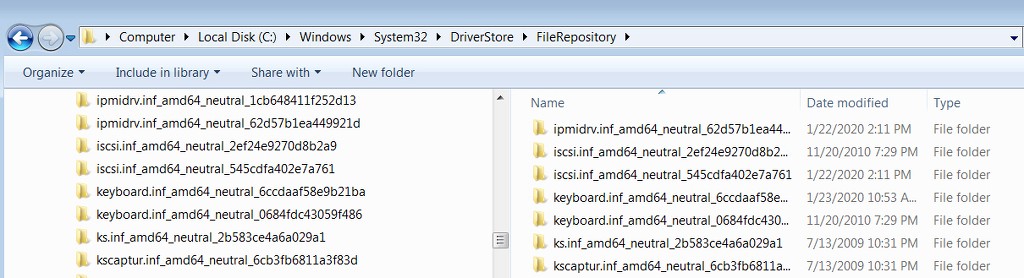
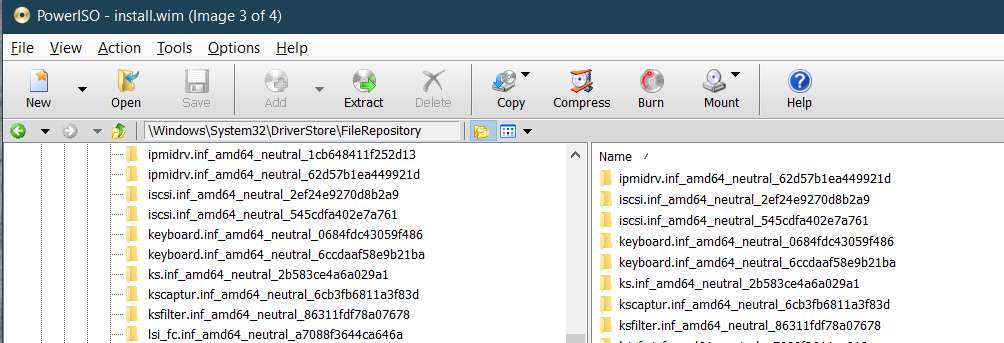
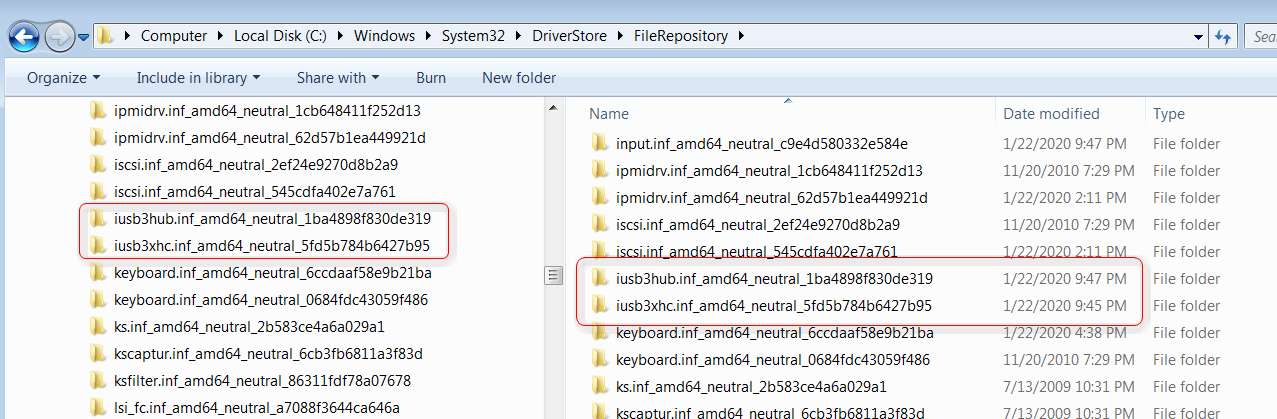
So all mysteries are now cleared up. However I still have the issue of the "missing USB3 drivers" in the resulting installation folder/ISO. They are indeed present in your driver folders, so they should have been slip-streamed into the result.
And yet after running your CREATE-ISO command, and then running RUFUS to produce bootable USB media, and using that USB flash drive to begin a test Win7 install on my P70 laptop, there clearly were no USB3 drivers in the install media. There was no usable mouse or keyboard at the very first screen put out by the install. I'm guessing the NVMe drivers are probably similarly missing which would prevent choosing an NVMe target drive for the install.
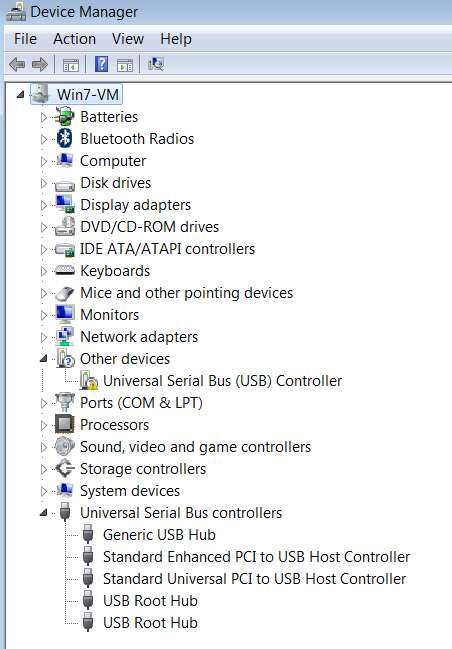
Nor was there USB3 drivers installed in a successfully completed Win7 install into Win7-VM by direct use of the ISO itself. This completed Win7-VM install did reflect all of the SIMPLIX Windows Updates, but it did not reflect your USB3 drivers.
So these are both pointing to something not working properly here, at least for me. And the effect is that the bootable USB media is unusable at the moment, lacking USB3 and NVMe drivers. Any thoughts about things I should look at in the final folder for a diagnostic clue?
The LOG put out by the process is HUGE, but is there something in it I should look for which would be helpful to you?
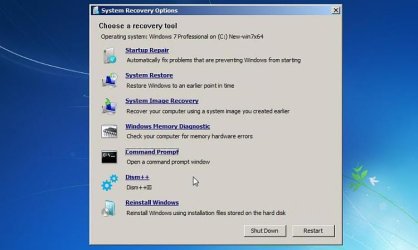
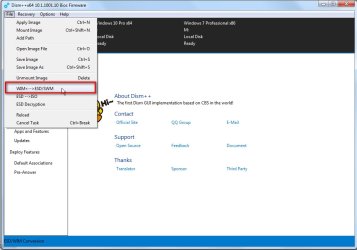
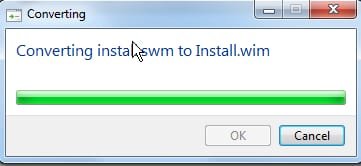
Is there a way to expand the WIM (or two SWM fractions, which is what I have) to examine the internal content to see if the drivers actually are there or not? Looks like there is a 3rd-party non-free product named PowerISO which can do this, and perhaps there are other free products as well.
NOTE: all of your links and attached JPG images appeared perfectly in your latest post, and were 100% visible and usable to me. You must have used a different technique this time than you used in your earlier posts (e.g. post #1) whose links and attached JPGs are still not usable or visible.
But this latest post of yours was problem-free. If you could explain what you did differently this time I could pass it on to Brink, whose team is still investigating why the earlier post attachments and links are causing problems. I'm sure knowing whatever you did this time that was different would be hugely helpful to them.
Thank you again for this tool, and for your assistance helping me push through past these issues.