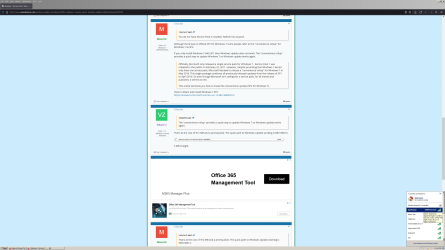
Although there was no official SP2 for Windows 7 some people refer to the "convenience rollup" for Windows 7 as SP2.
If you only install Windows 7 with SP1 then Windows update does not work. The "convenience rollup" provides a quick way to update Windows 7 so Windows update works again.
How to obtain and install Windows 7 SP2
https://answers.microsoft.com/en-us...ws-7-sp2/c2c7009f-3a10-4199-9c89-48e1e883051e
I'm having real problems trying to get Winn 7 Pro 64bit to reinstall without locking up/freezing after install. I'm probably going to have create a new thread though because one of the admins may say this is off subject from the Service Pack 2 issue.
Anyway, these are the steps that I do during the OS install. Start the OS cd > Delete all partitions> except new partition size> it creates 3 partitions 100bm System, 128mb MBR, and 467.7 Primary > I format the primary and then install the Gigabyte Sata driver from USB flash and hit GO to start the install.
When install is complete I reconnect my two internal storage drives where I have the install files for Service PK 2....AKA Windows Update Rollup to 2016. I install the prerequiste Windows6.1-KB3020369-x64 1st and then the actual rollup windows6.1-kb3125574-v4-x64.
I then do a restart and install drivers from from the Gigabyte MB cd. ( Realtek Lan Driver , Etron USB 3.0 Host Controller) I stopped installing the Gigabyte Chipset Drivers because when I try a little driver message pops up in the bottom right hand corner saying something about driver being faster. I've never been able to read it though because it disappears too quickly. I'm assuming it's telling me that the current Microsoft drivers are faster......not positive.
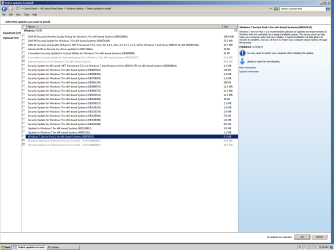
I do a restart, setup internet connection, install Firefox Browser, install Bitdefender Total Security and then let Windows Updates run and tell me which updates are available for download. I then install most of the Important drivers only. Restart and start using PC.
I immediately start getting hangups and freeze ups as I go thru my normal routine of installing my programs back onto the PC and then configuring and using Firefox. When something locks up I always try to go into Task Manager, sometimes it comes up and some times not, if not I have to push the start button and shut the PC down. When Task Manager does work sometimes the program is not responding and sometimes it is actually still running, but not responding to my clicks. Sometimes my internet stops working and when I check it shows (Limited access), but strength is excellent, usually followed by a message telling me that Windows Explorer is not responding, not Internet Explorer, Windows Explorer. Sometimes I'll just click on a drive to open it and I'll be looking at an hourglass for 10 minutes or have to power down again.
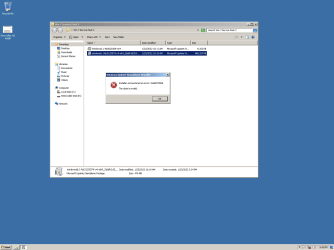
Now, I have reinstall the OS on this SSD over a dozen times now trying to figure out what is going on so maybe the SSD is damaged at this point. Also, I'm wondering if the Service PK2 files that I have had saved on one of my storage drives for the past 4 or 5 years may have gotten corrupt. I went and downloaded the Service PK 2 files directly from the microsoft site this time just in case. This is what happened after I installed the prerequiste KB3020369 and then the rollup that I just downloaded from micrsoft. Looks like maybe their files are corrupt and who do you tell, they no longer support the OS.
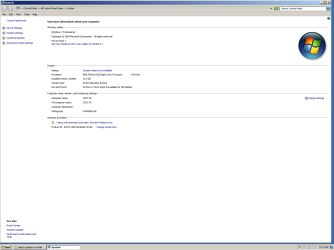
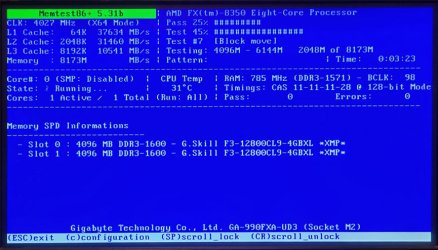
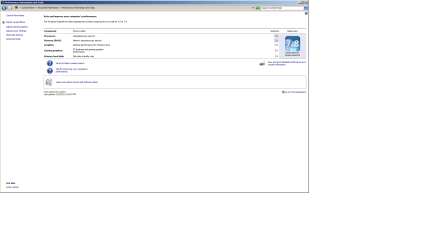
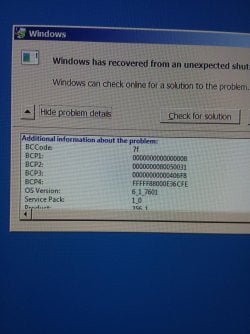
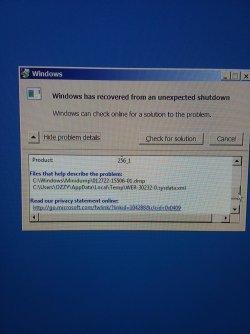
Maybe my Service PK 2 files are okay and it's a hardware issue. I ran the windows Performance Index test and CPU and Memory were always 7.8 , but now are at 7.7 so they are down by one point, but not enough to cause the issues that I've been having including this most recent Blue Screen Error message.......unless just maybe it's a Power Supply issue.

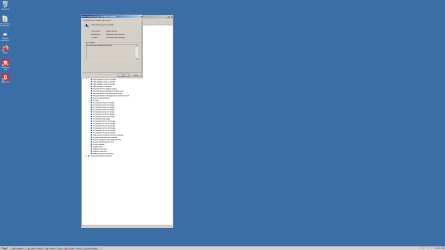
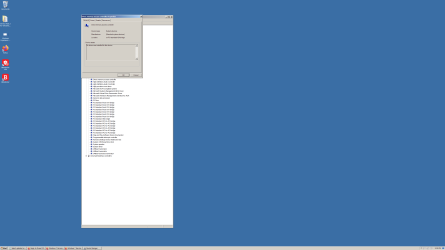
This is what Windows Event Viewer shows.......Holy cow! I noticed the AMD Sata, I'm not sure, but I think that just started showing after I installed Windows Update labeled: "Advanced Micro Devices, Inc driver update for AMD SMbus 3/31/2017"
I also have a Blue Screen Mini Dump file saved, but have no idea how to open a .dmp file.
I'm at a loss, especially because I have this same OS from the same CD on another old SSD and just installed on same PC and used it for a whole day without any issues.....other than the same downgraded Performance Index results of 7.7 for CPU and Memory.
Any ideas would be extremely helpful,
Bruce