My Computer
- OS
- Windows 7 64-bit
- CPU
- Intel i7 920 @ 4GHz
- Motherboard
- Asus P6T Deluxe V2
- Memory
- 6Gb
- Graphics Card(s)
- nVidia GTX 285
- Sound Card
- X-Fi Extreme Audio PCIe
- Screen Resolution
- 1900x1200


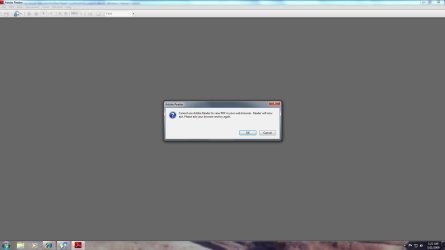
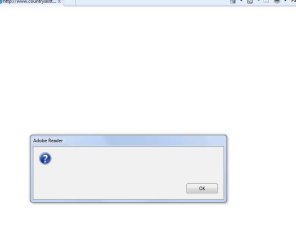
that happened to me earlier for a while, i then clicked okay. nothing happened. then i went to Start > All Programs > Adobe Reader and it opened fine. I restarted the browser and tried again and it worked fine. Try it?Whenever I click on a pdf link on a site, I get an error (screenshot).
If I right-click and select 'Open Link' then the files open OK.
Any ideas?

The way I got around this with 9.1.2 is to do the following:
Open Acrobat Reader by itself (not in IE)
Select Edit, then Preferences
On the left side click "Internet"
Uncheck "Display PDF in browser"
This way when I click on a pdf link it opens Acrobat reader in a separate application outside of IE.