Hi all;
Need some help. Just yesterday , i did a clean installation of Win7 Home Premium on a Lenovo Ieapad Y580. Now, strange things start to happen.
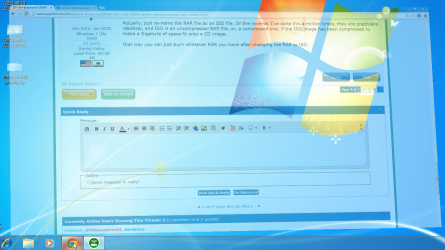
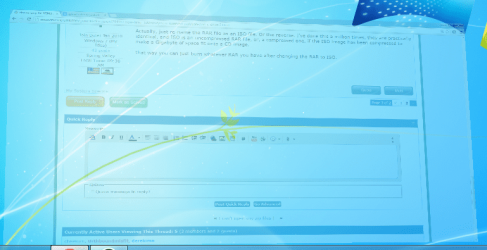
(1): when clicking on an app (example; Google Chrome), the app slowly (and i mean; real slowwww) enlarged itself to display on full screen. Please refer to the picture below. It is soooo slowwww until i can capture it using Printscreen.
(2): the synaptics touchpad don't feel responsive. It takes a while for it to register my fingers movement.
Any advice? Is this due to drivers? I check on device manager and everything seems fine. No exclamation marks. By the way, the processor is i7 and RAM = 8GB.
Need some help. Just yesterday , i did a clean installation of Win7 Home Premium on a Lenovo Ieapad Y580. Now, strange things start to happen.
(1): when clicking on an app (example; Google Chrome), the app slowly (and i mean; real slowwww) enlarged itself to display on full screen. Please refer to the picture below. It is soooo slowwww until i can capture it using Printscreen.
(2): the synaptics touchpad don't feel responsive. It takes a while for it to register my fingers movement.
Any advice? Is this due to drivers? I check on device manager and everything seems fine. No exclamation marks. By the way, the processor is i7 and RAM = 8GB.
My Computer
At a glance
Windows 7 Home Premium 64Bit
- Computer type
- Laptop
- Computer Manufacturer/Model Number
- Lenovo Ideapad Y580
- OS
- Windows 7 Home Premium 64Bit