- Local time
- 6:07 AM
- Messages
- 13
So. This is my first ever forum post on this site, and it's quite a conundrum. Here's my problem.
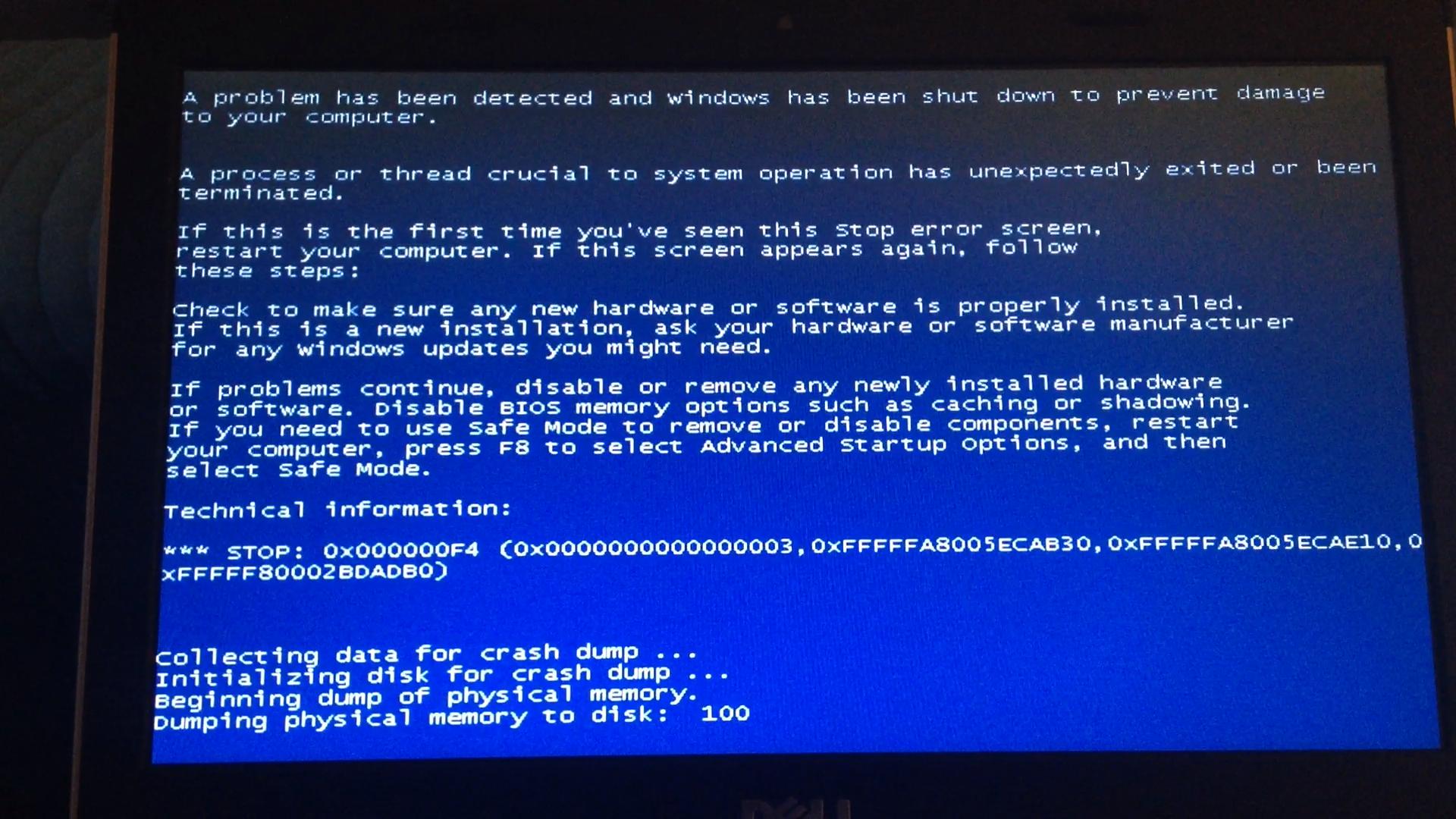
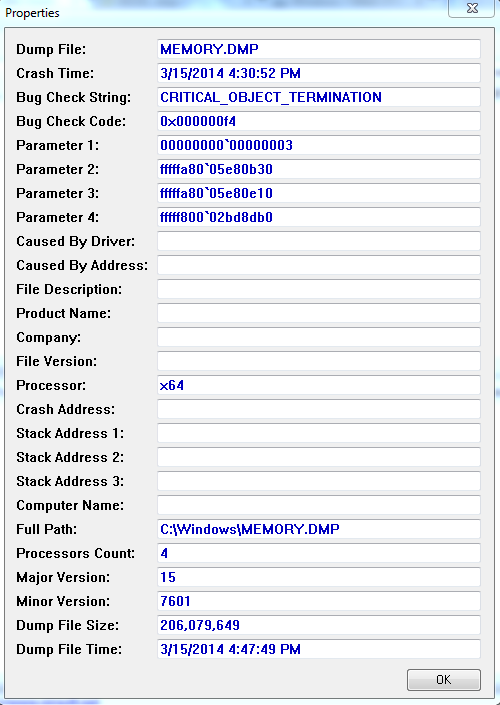
I use a Dell Vostro 3350 for gaming, and use a Toshiba for work stuff. A couple of days ago, I was using EasyBCD to add another Windows 7 OS to my Dell, and I accidentally deleted it. Before I could fix it, however, my computer ran out of battery and shut down. When I started it back up, it gave me the following message: (Copied from Google Images, I don't know how to screen capture when it won't boot)

I eventually fixed it, but it was quite difficult. I manually repaired the BCD via the command prompt with a CD/DVD recovery disk. When I started it up, I expected it to be fixed. Wrong! It started up with this, in BLUE now!
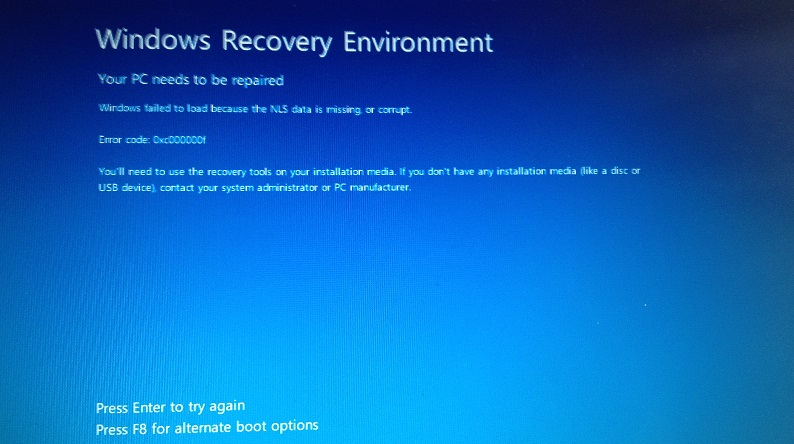
I've tried sfc /scannow, chkdsk /f, bootrec /rebuildbcd, bootrec /fixboot, bootrec /fixmbr, I've tried using Windows RE on a CD, a USB, and the one built in to my Dell. I've tried copying the NLS files from my sysWOW64 folder from my Toshiba to my Dell using a linux distro on my USB, I can't factory reset, and nothing is working. Weirdly, the data is still on the hard disk, so I'm confused on what actually happened. Any ideas would be great. Thanks!
I use a Dell Vostro 3350 for gaming, and use a Toshiba for work stuff. A couple of days ago, I was using EasyBCD to add another Windows 7 OS to my Dell, and I accidentally deleted it. Before I could fix it, however, my computer ran out of battery and shut down. When I started it back up, it gave me the following message: (Copied from Google Images, I don't know how to screen capture when it won't boot)
I eventually fixed it, but it was quite difficult. I manually repaired the BCD via the command prompt with a CD/DVD recovery disk. When I started it up, I expected it to be fixed. Wrong! It started up with this, in BLUE now!
I've tried sfc /scannow, chkdsk /f, bootrec /rebuildbcd, bootrec /fixboot, bootrec /fixmbr, I've tried using Windows RE on a CD, a USB, and the one built in to my Dell. I've tried copying the NLS files from my sysWOW64 folder from my Toshiba to my Dell using a linux distro on my USB, I can't factory reset, and nothing is working. Weirdly, the data is still on the hard disk, so I'm confused on what actually happened. Any ideas would be great. Thanks!
My Computer
- Computer type
- Laptop
- Computer Manufacturer/Model Number
- Toshiba
- OS
- Windows 7 Home Premium 64 bit
- CPU
- AMD E-450 40nm Technology
- Motherboard
- TOSHIBA Portable PC (Socket FT1)
- Memory
- 3.00GB DDR3 @ 675MHz (9-9-9-24)
- Graphics Card(s)
- Generic PnP Monitor (1366x768@60Hz) 384MB ATI AMD Radeon HD
- Hard Drives
- Hard Drives:
298GB TOSHIBA MK3275GSX SATA Disk Device (SATA)
2TB Toshiba External Drive
Optical Drives:
DTSOFT Virtual CdRom Device
TSSTcorp CDDVDW TS-L633F SATA CdRom Device
- Antivirus
- Microsoft Security Essentials
- Browser
- Google Chrome