What all I can say is that you were unable to follow the instructions given in my post #28
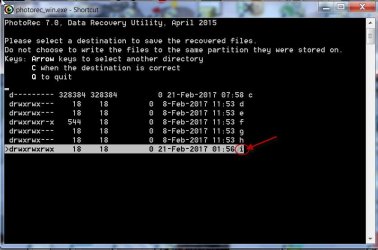
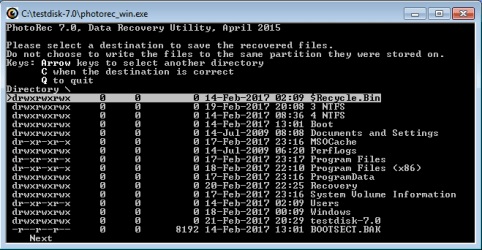
Copying files listed by TestDisk during Recovery My external hard drive suddenly became unllocated: and steer the files to the correct destination on yor external drive.
Please take the help of some knowledgeable computer user and ask him to run PhotoRec and copy the files to the Recovery folder on the external drive.
(Please give him an External drive with atleast 300GB of free space in it. On that drive create a folder named Recovery and ask him to follow the instructions in the above reference [ when it comes to copying the files]. Plug in this external drive and then Run PhotoRec)
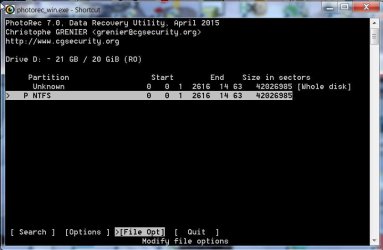
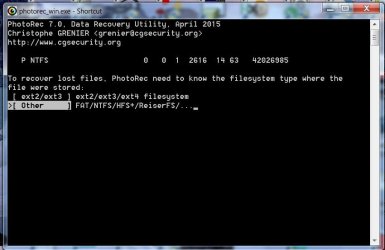
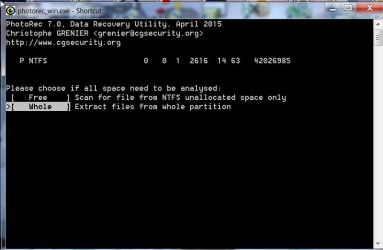
While running PhotoRec as per the Guide here
Guide to using PhotoRec recovery software.. he should select the
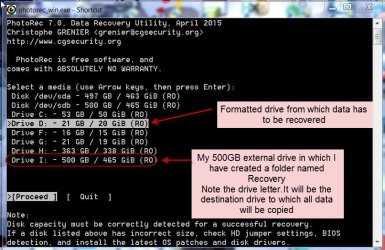
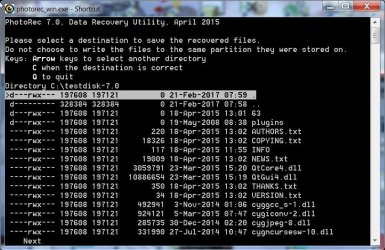
Disk from which you want to recover the data. At the sametime he should also note the drive letter of the external drive.( Final destination to copy will be
Directory <that drive letter:> /Recovery)
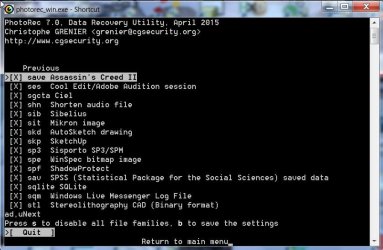
When he reaches the screen
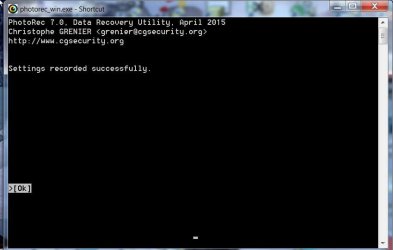
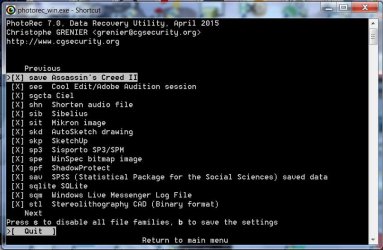
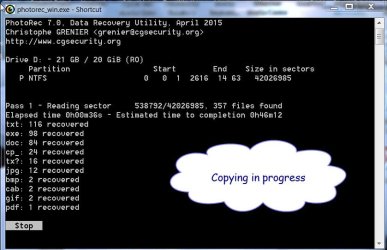
5. Fourth Window where you have to select the file Types you want to recover, ask him to press s to select all file types and then b to save setting and proceed. This will copy all file Types to the destination.
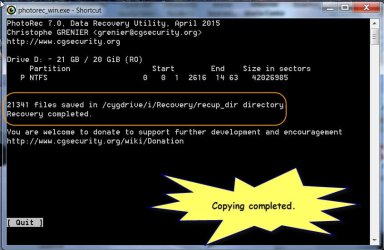
When copying is finished you do not find the files that you may be assuming were there,then those are not really there.
If you want me to guide you - after connecting the external drive on which you have created the folder named Recovery - run PhotoRec and post the first screen. Then we shall go step by step.
In a previous post itself I asked you to post each screen while running PhotoRec but you did not do it.


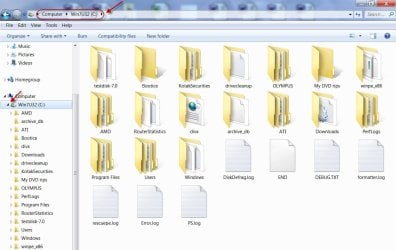
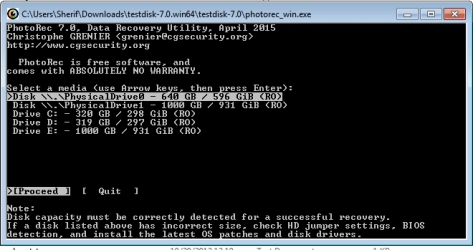
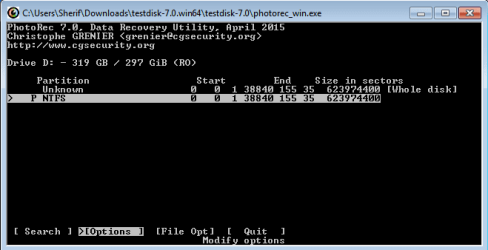
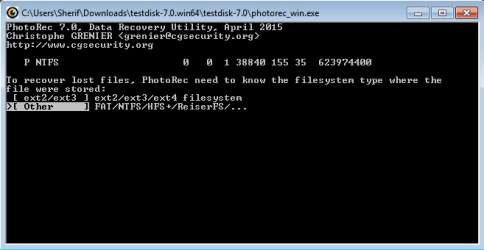
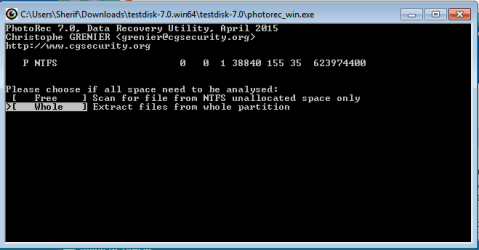
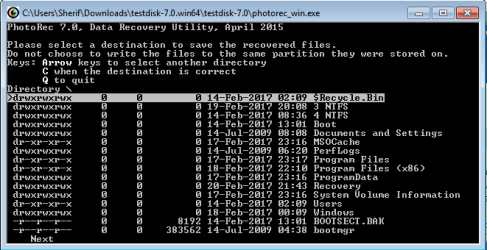
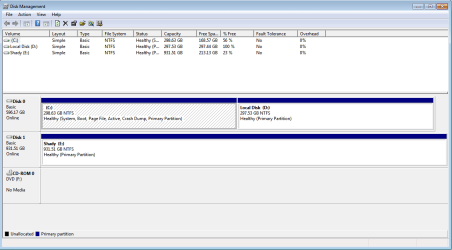
 )
)