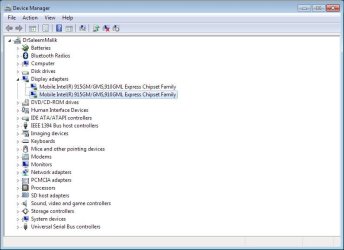
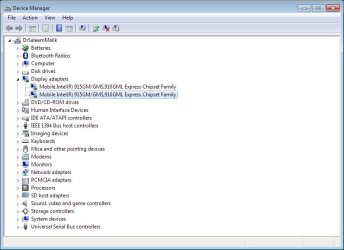
or is it running on whatever default driver Windows installed for it?
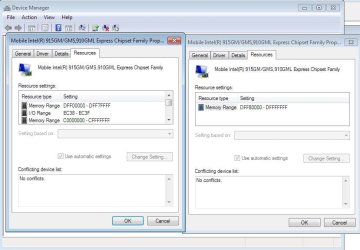
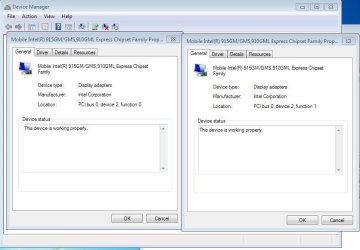
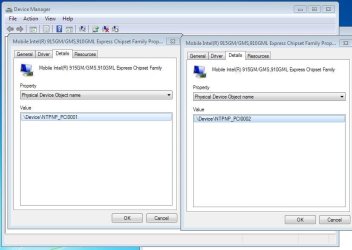
In any case it is most likely showing like that due to it supporting two displays; one being the laptop monitor itself, and the second the VGA port. Perfectly normal and used to show like that in XP for most video cards.