Hi,
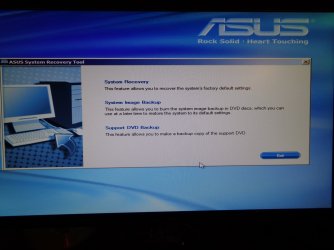
Not sure what is the deal with the issue possibly post a picture of the screen popup message with a camera/ cell phone.
Have you removed the battery or unplugged the machine and held down the power button for about 45 seconds to drain any remaining energy from the system ?
After enter your bios usually tapping the Delete key directly after using the power button.
If you can get into your bios see if restoring defaults will help
Make sure you actually see your hard drive or ssd that windows is on if you don't it may have died.
This update caused a little issue booting but is all I've read about,
Why does the “Secure Boot Violation” appear when I enter my WINDOWS 7 OS? | Official Support | ASUS Global