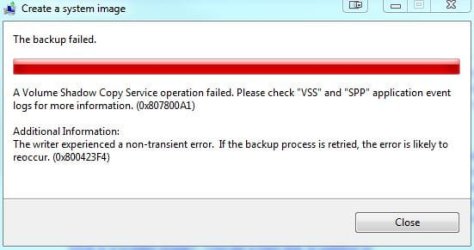
Your latest dump again point to clr.dll (.NET Framework)
What software (if any) did you install after the crashes stopped?
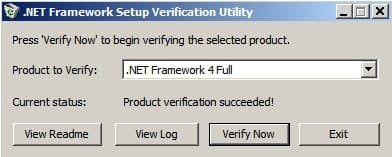
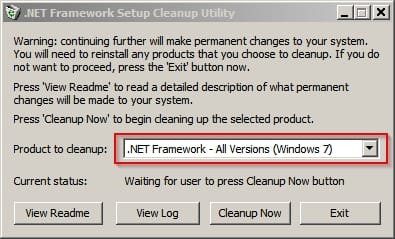
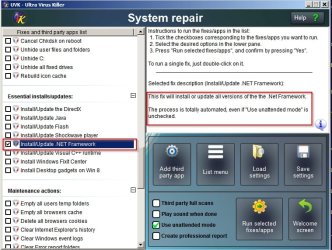
It might be necessary to remove all .NET Framework versions other than 3.5 then reboot and run Advanced Disk Cleanup (to include windows update cleanup) then reinstall the missing versions. However, before attempting that, would you try running a scan with Secunia PSI. I will send you a personal message containing a link to download an older version of Secunia PSI as it allows the user much more control than the current release.
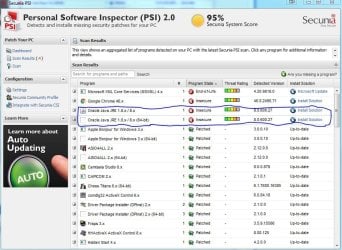
Secunia PSI 2.0 - it will check most of your installed software to see if there are updates available and provide links to download any missing updates. It's better to use Secunia PSI 2.0 rather than the current version as it gives you more control over updates and doesn't run in the background at all times.
Once installed it should start a scan automatically. Also check the following settings and apply them.
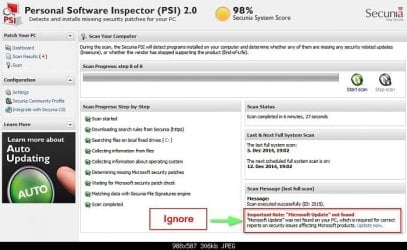
Ignore this warning - it doesn't apply to Windows 7:
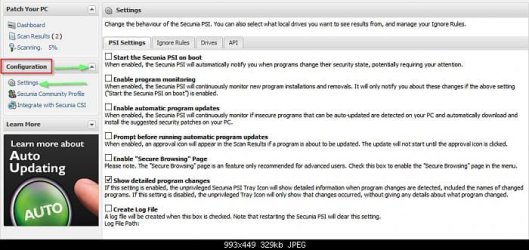
Click the drop down arrow next to "Configuration" then click "Settings" then on th and settings tab apply the ones shown in the screenshot below:
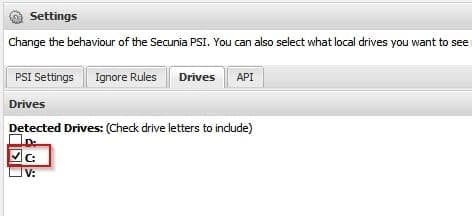
On the "Drives" tab choose the following:
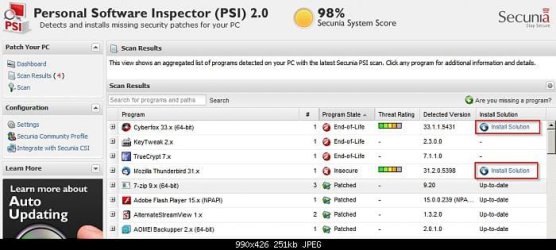
When the scan is complete apply any updates one at a time by clicking on the "Install Solution" link.
Note: If you see a warning that Microsoft XML Core Services 4.x is insecure - ignore it for now but install any other updates.
If a reboot is requested at any point - reboot then continue with another scan.
There are still more steps to take if the issue is not resolved.