The best defragger is no defragger, which is what you need when you have an SSD.
None of these defraggers, including the one Howard's employer (the Diskeeper spammers) makes are worth much of anything because they ignore the fact that the files you need to do *anything* are always scattered all over the disk. Any program you want to start is going to involve exe, dll, ini, cfg, etc. etc. files and NONE of these defraggers makes the slightest attempt to consolidate these files in a way that minimizes seek and latency of mechanical disks. All the publishers of these things want to talk about is file (and sometimes directory and metadata) fragmentation which you can see is only a part of the problem of speeding up response times of mechanical disks.
Actually, there is (or was) one defragger that kinda sorta recognizes the importance of consolidating files on a folder-by-folder layout -- O&O has that option. But even that only half-addresses the problem because on any typical startup, the system still has to access files in the program directory, directory structure itself, the Windows hierarchy, the User hierarchy, and perhaps other places, which are still scattered across the disk.
Bottom line -- use the one Bill gave you. It's 90% as good as anything else, none of which really solve the fundamental problem as well as a SSD does.


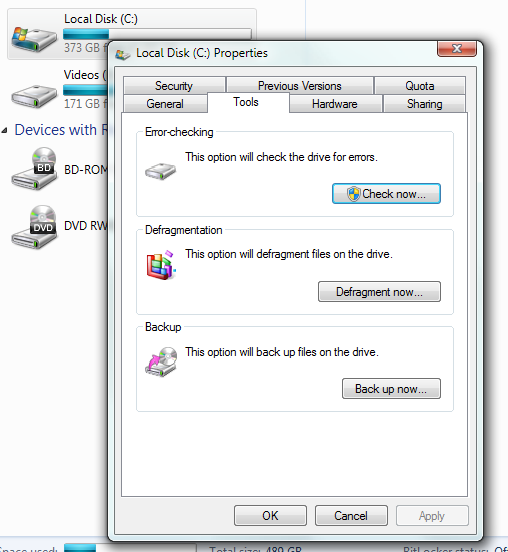


 -- yet...i always read (was told ? lol ) as not necessary with win 7.
 .
.


