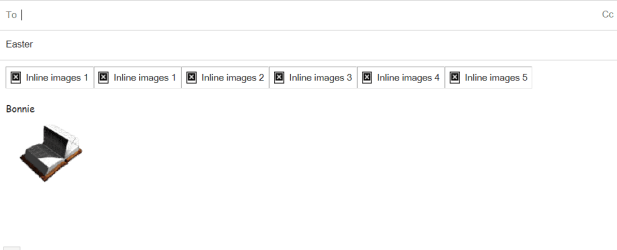
I downloaded a number of icons to my gmail drafts to use with my email. For some reason, the icons have all reverted to little black boxes with a white x and are labeled inline images. Can anyone tell me what I have done now? Thanks.
I got them from many different places and all are gifs. I have copies of them in my "Pictures" and they are displayed correctly there. The odd thing is that they were all fine in Gmail until sometime in the last month. It may have happened because I tinkered with one of the settings to create this problem.
New info: I copied one of the "inline image" boxes, pasted it to a newly composed email, and sent it to myself. When I received it, it appeared as an icon! I tried to copy and paste the icon back into "drafts" but it reverted to the "inline image" box again. Do you think "inline image" is the way Gmail stores icons when there are too many of them? Thanks for your time.
Could be its in a storage state, sadly I can't test the theory because the drafts
I make doesn't even have an option to view the file's thumbnails, my email is using a different style
of viewing attached files.
What is your email client?
My Computer
At a glance
Windows 10Intel Core i5 3570K16GB 1600Mhz G.SkillGigabyte GTX 970 G1-Gaming
I played around with Gmail and discovered that when you are composing an email, a number of little icons will appear on the very bottom line. One of them looks like a camera, and when you click on it you can add an icon or photo to your email from your "pictures" collection. It's a perfect way to add images! No more trying to save images in "drafts" and no more inline image problems! Thanks for all of the replies.
