Solved is it normal my update list?

drugo

New member
Member
VIP
Local time
6:14 AM
Messages
476
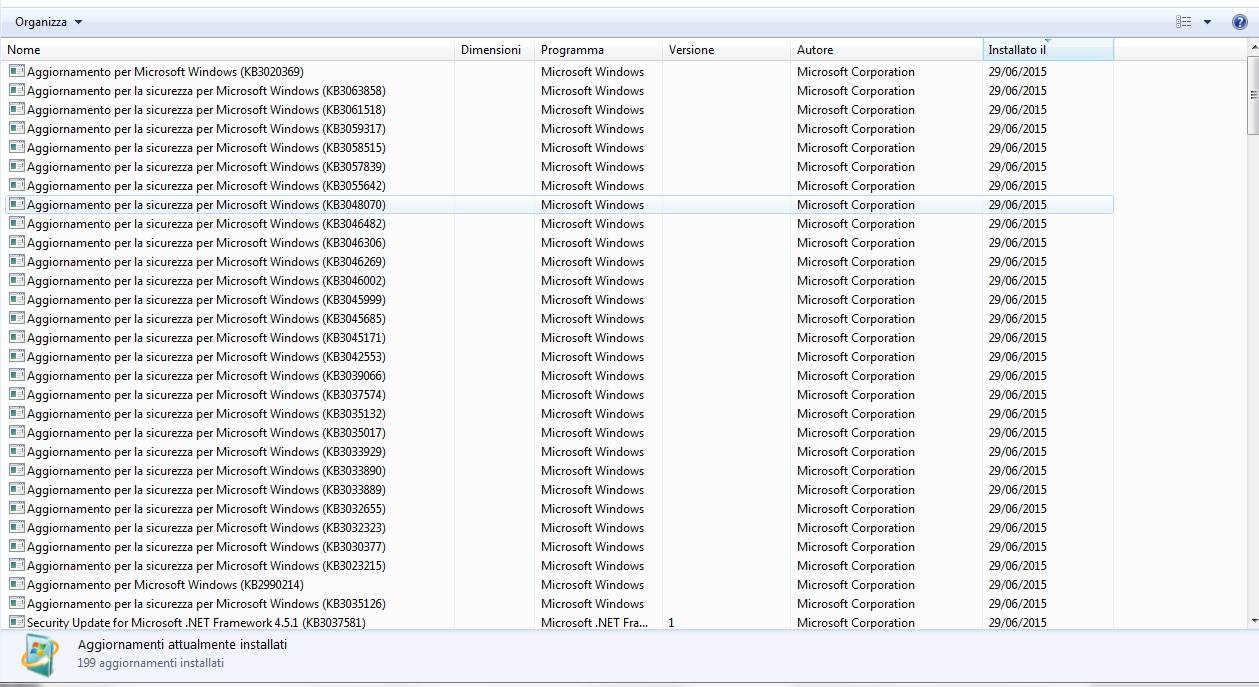
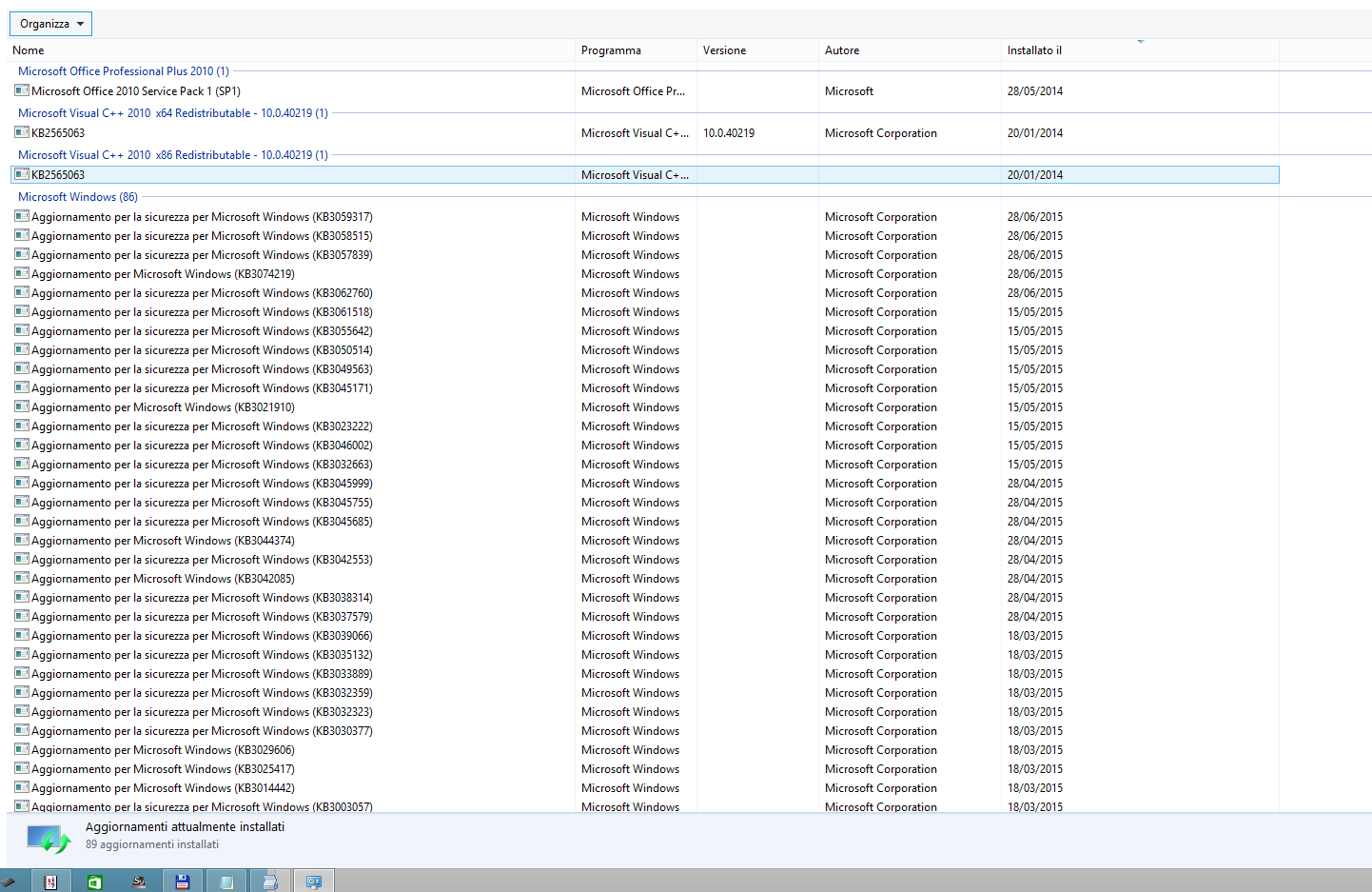
after update,my updated list is messy ,help me

Hi
i have just update my w7

i update all the hotfixes and i reboot
i noticed that after the reboot , my updated list was messy
no more sorted and no more in details ,but small icon

before was so
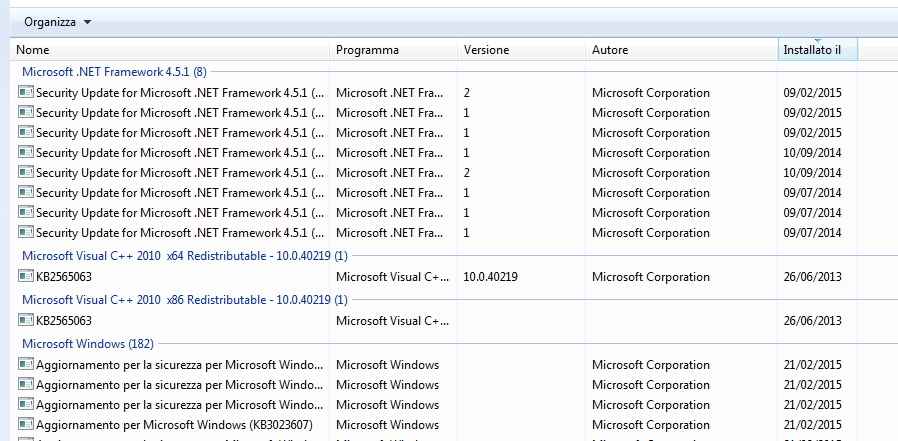
aRmq04B.jpg


now is like this
d6F56qH.jpg


is it normal ?
can somebody upload a screenshot?

my windows 8.1 is perfect
thanks
 
Last edited:

My Computer

Computer type
PC/Desktop
OS
windows 7 ultimate 64bit
this is my w8.1 screenshot

z8y9hVf.png
 

My Computer

Computer type
PC/Desktop
OS
windows 7 ultimate 64bit
You appear to have sorted the list in different order, that's all - if you click on the column headers, you can change the order or if you right-click you may be able to group or ungroup the listing.
 

My Computer

Computer type
Laptop
Computer Manufacturer/Model Number
Asus K52F or Lenovo B51-80
OS
Win 7 x64 Home Premium (and x86 VirtualBox VM)/Win10
CPU
i3 370M/i7 6500U
Motherboard
Asus/Lenovo
Memory
8GB - finally :)/8GB
Graphics Card(s)
it's an i3, dude!/dual Intel&nVidia
Sound Card
onboard
Monitor(s) Displays
15.6" built-in
Screen Resolution
1366x768/1920x1080
Hard Drives
750GB Seagate internal
Sundry external drives attached to other computers on the local network
1TB SSD on the Lenovo
PSU
n/a
Internet Speed
as much as I can get - usually on a dongle/phone, so <1MB/s
Antivirus
MSE/Defender
Browser
IE11/12/Edge/Chrome/FF(if I must)
You appear to have sorted the list in different order, that's all - if you click on the column headers, you can change the order or if you right-click you may be able to group or ungroup the listing.
hi
YES !
thanks Man!
really appreciate your help!

:thumbsup:
 

My Computer

Computer type
PC/Desktop
OS
windows 7 ultimate 64bit
Back
Top