
Another step to take is to try the following...
1, Open up 'Devices and Printers' from the Start Menu
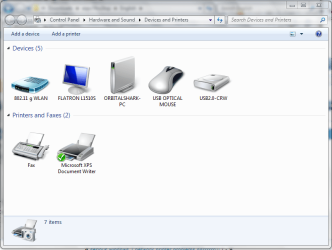
2, Click 'Add Printer'
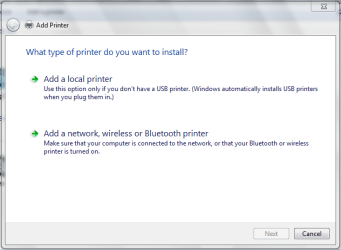
3, Click 'Add a Network, Wireless or Bluetooth printer'
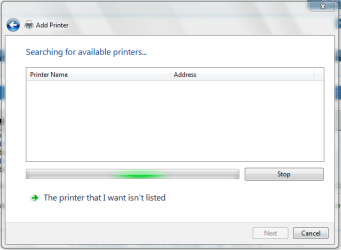
From there, the printer on your network should appear.
1, Open up 'Devices and Printers' from the Start Menu
2, Click 'Add Printer'
3, Click 'Add a Network, Wireless or Bluetooth printer'
From there, the printer on your network should appear.
Tip
If asked for the disk then direct it to where you extracted the files from the last link I provided
My Computer
- Computer Manufacturer/Model Number
- Compaq Desktop
- OS
- Windows 7 Ultimate x64
- CPU
- AMD Sempron Dual Core
- Memory
- 3GB
- Graphics Card(s)
- NVIDIA GeForce 6150SE nForce 430
- Screen Resolution
- 1024x768
- Hard Drives
- 150GB Sata


