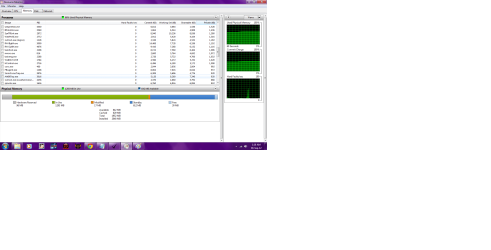
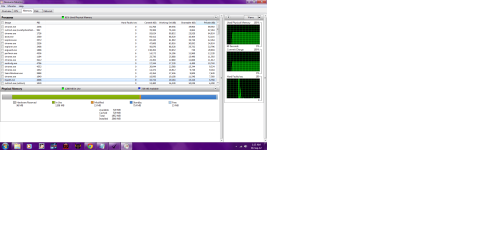
i think that I am also encountering the same problem. so many processes in record but only one or 2 is running. please let me know what are those which i don't need and how to terminate them permanently. and some guidelines to avoid future encounter with them again. thanks in advance for those who will reply and more power
PS:
i only have 1 application running and that is chrome with only 1 tab. ;(
Hello heavendenied and welcome to Seven Forums.
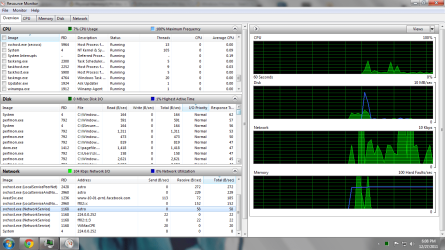
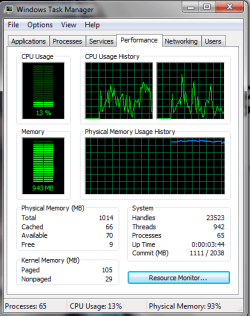
In looking at your two snips I don't see any major issues. Your System Idle Process (2nd snip) is at 98% which is about normal when your computer is simply waiting for something to do. What many people do is go into Resource Monitor for a real time view of what's going on with their machine.
http://www.sevenforums.com/tutorials/12523-resource-monitor.html
You could also change your startup programs to further reduce system resources. Some folks have just their antivirus program (and touchpad for laptops) the only things that start at startup (Method Three.)
http://www.sevenforums.com/tutorials/1401-startup-programs-change.html
My Computer
- Computer type
- Laptop
- Computer Manufacturer/Model Number
- Sony Vaio VPCEB47GM Laptop
- OS
- Win 7 Pro 64-bit
- CPU
- Intel i5 2.4 Ghz
- Memory
- 8GB DDR3
- Graphics Card(s)
- Intel HD 3000
- Sound Card
- IDT High Definition
- Monitor(s) Displays
- 15.6 WGXA Anti-Glare LED
- Screen Resolution
- 1280x800
- Hard Drives
- 640Gb 7200rpm
- Antivirus
- MSE
- Browser
- Opera (primary) with IE9 backup