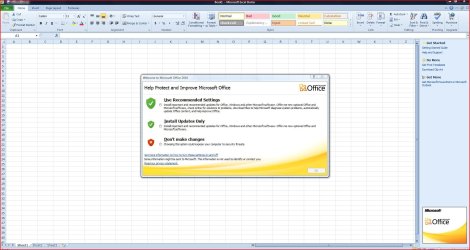
1. Of course I followed the process, but the install process did not work. Msft has told me that the reason is that they stopped supporting Word Starter.
2. I have not tried LibreOffice yet because they answered my Q re opening Word docs by saying "Don't expect 100% compatibility."
That is what I figured to be your issue with repairing/reinstalling Word Starter!
As far as LibreOffice Writer and your Word Starter, It is my understanding that extensive formatting may, operative word
MAY, cause an issue with how the page or pages display. Being that Word Starter is a basic word processing program, I don't see an issue arising for you.
Extensive formatting would be headers,footers, page references, superscripts, subscripts,
STYLES, HEADING STYLES, UNSUPPORTED FONTS, OUTLINES, etc. The bold capitalized words may be an issue as well as other advanced formatting that I do not believe is available in STARTER. Starter as the word implies, is a basic beginning word processor, which LibreOffice Writer & Microsoft Word are not.
You can open and inspect the document. If you don't like how it looks,which I doubt very much that will be the case, simply close the document. You can save it as a docx or in LibreOffice Writer default ODT format & many others in the save as dialog box.
To be safe for testing purposes, you could make a copy as you are probably aware by copy & pasting from say the Documents folder to say your Desktop, then open the desktop copy with LibreOffice Writer and play around. You can then save it to the desktop, etc. and not alter the original document in the original location.
Personally, I backup all my drives to an external hard drive with AOMEI Backupper regularly (read my footer blue text). AOMEI Backupper Standard & Macrium Reflect Free, both free backup programs, are highly recommended by Sevenforums.
My preference is AOMEI because it is a simpler interface, i.e. easier to use/navigate. They both perform the same basic functions including verify the integrity of the image (important). You can also mount a backup image you created and copy, not delete items from it. AOMEI cannot access Macrium images, and vice versa.
Snick