
How to load SATA driver when using Shift+F10 to open an Command Prompt on Windows 7 or Vista DVD
Information
When you try using Shift+F10 to open Command Prompt on Windows 7 or Vista DVD, Command Prompt can not find your Hard Drive.
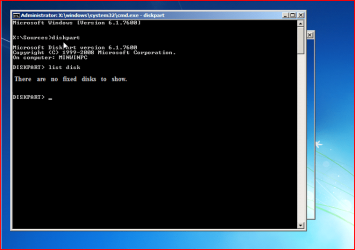
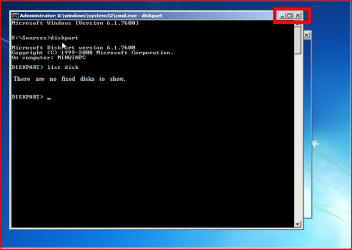
1) Close Command Prompt window.
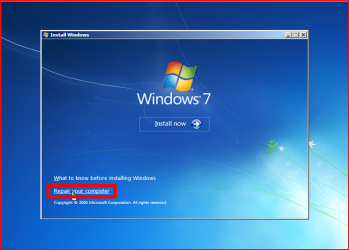
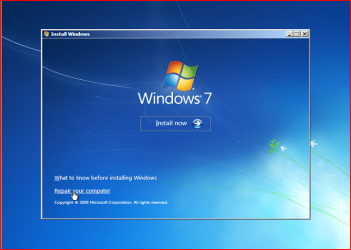
2) Click Repair my Computer.
3) Click Load drivers
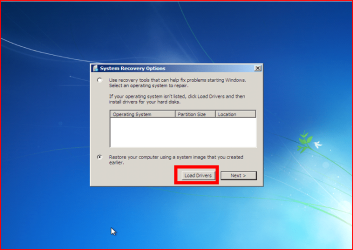
4) Follow this tutorial: http://www.sevenforums.com/tutorials/68942-sata-drivers-load-windows-recovery-options.html
5) Close load driver window.

6) Press Shift + F10
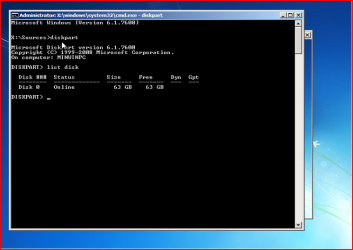
Continue using Command Prompt.
Last edited by a moderator:

