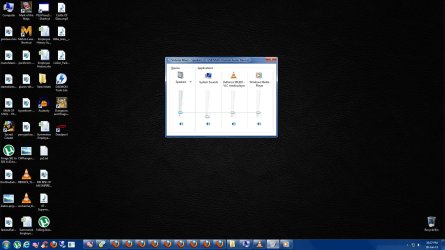
Sorry, but you can't do that. The volume levels for individual sources, such as those shown in your image, cannot have their levels set higher than the master volume level. If the master volume level is set at, say 50%, then increasing any of the levels from the other sources above 50% will automatically cause the master volume to increase accordingly. Conversely, reducing the master volume level will cause the levels from other sources to decrease once the master volume level reaches and goes lower than their individual levels.