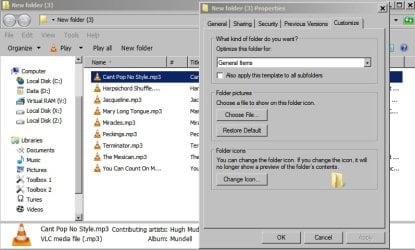
Hi, new to this forum and i'm usually pretty good at working out windows but there is one thing that really Irks me that i just cant seem to find a fix for.
Generally with music files I like to make my own folders for albums etc actually on my main drive, but when using a portable key drive or MP3 player i just like the list of files. Damn if windows doesn't put every single file in its own folder or even two tier folders for each single track! It drives me crazy.
Is there any way of stopping windows doing this?
Thanks for your time
Generally with music files I like to make my own folders for albums etc actually on my main drive, but when using a portable key drive or MP3 player i just like the list of files. Damn if windows doesn't put every single file in its own folder or even two tier folders for each single track! It drives me crazy.
Is there any way of stopping windows doing this?
Thanks for your time
My Computer
- Computer type
- PC/Desktop
- Computer Manufacturer/Model Number
- custom
- OS
- Windows 7 64bit
- Browser
- chrome