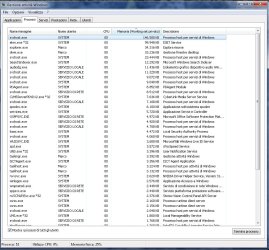
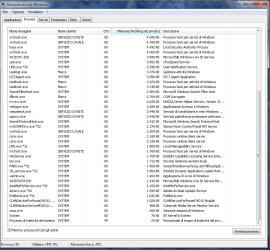
Hello. From a couple of days, I've the problem that SOMETIMES (not always), when I shutdown the system, appear the message concerning the system is waiting the closing of Task Host process, but I'm forced to close manually from there, because the waiting is useless.
The message should be this: "1 program still needs to close: (Waiting for) Task Host Window".
It happen only from 7-10 days, and Revo Uninstaller report that in last days I only install some games and these programs:
DivX Pro 6.8.0 VFW
Microsoft Visual C++ 2008 Redistributable
Microsft XNA Framework
Probably, all programs installed with some game.
How can I do? I tried the exact version of hotfix here: There is a delay when you shut down, restart, or log off a computer that is running Windows 7 or Windows Server 2008 R2 but it doesn't install because it's probably already installed (I have SP1).
I want to avoid to restore an old statut with System Restore. I have Win7 x64 with SP1 and latest updates for everything.
The message should be this: "1 program still needs to close: (Waiting for) Task Host Window".
It happen only from 7-10 days, and Revo Uninstaller report that in last days I only install some games and these programs:
DivX Pro 6.8.0 VFW
Microsoft Visual C++ 2008 Redistributable
Microsft XNA Framework
Probably, all programs installed with some game.
How can I do? I tried the exact version of hotfix here: There is a delay when you shut down, restart, or log off a computer that is running Windows 7 or Windows Server 2008 R2 but it doesn't install because it's probably already installed (I have SP1).
I want to avoid to restore an old statut with System Restore. I have Win7 x64 with SP1 and latest updates for everything.
My Computer
- OS
- Windows 7 Home Premium x64
- CPU
- i5 3570k
- Motherboard
- AsRock Z77 Extreme4
- Memory
- 8 Gb DDR3 Corsair Vengeance
- Graphics Card(s)
- GTX 670 AMP
- Screen Resolution
- 1920x1200