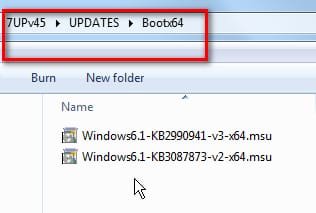
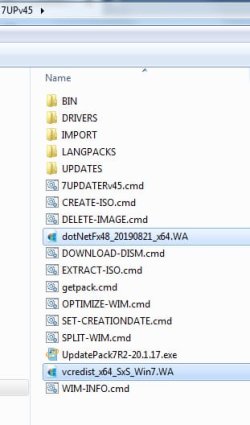
Well, there's something wrong with how the forum is accepting and serving images uploaded as attachments I guess.
I post my pictures on ImageShack, which is an external image hosting site. I then imbed my pictures in-line using "start image" and "end image" delimiters, with the external URL from the hosting site in between. That works perfectly.
Your pictures appear to have been uploaded to the SevenForums attach database. I don't do that so I don't know how you then request them to be displayed in-line in your posts. But it's not working for me. We should probably get Brink to look at this, and investigage.
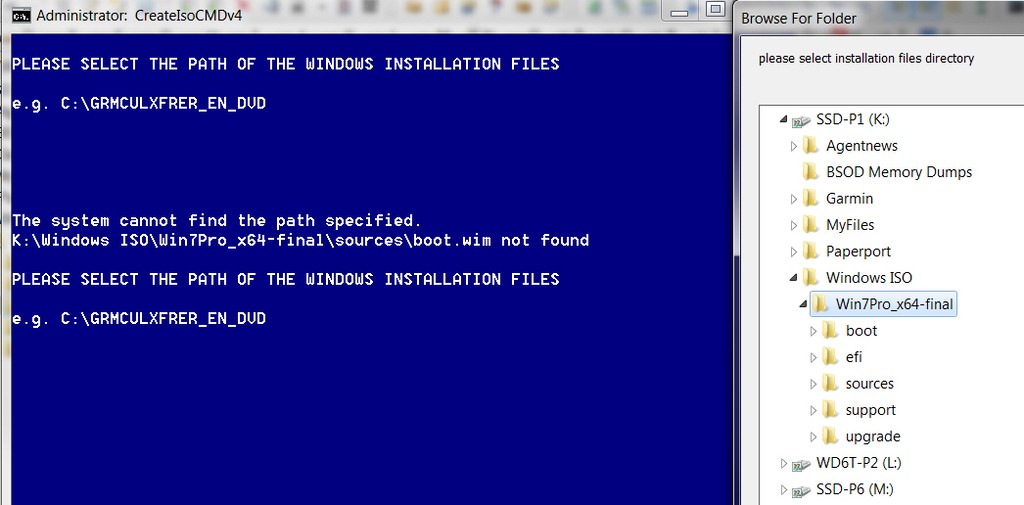
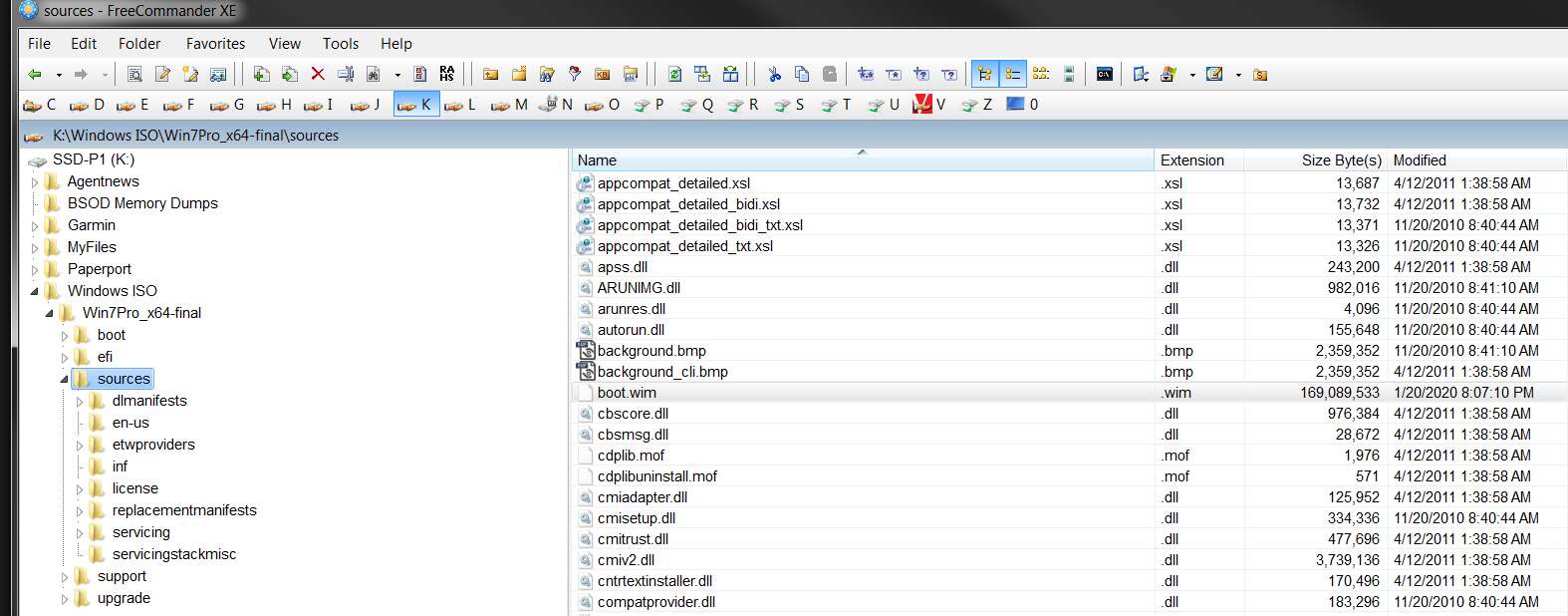
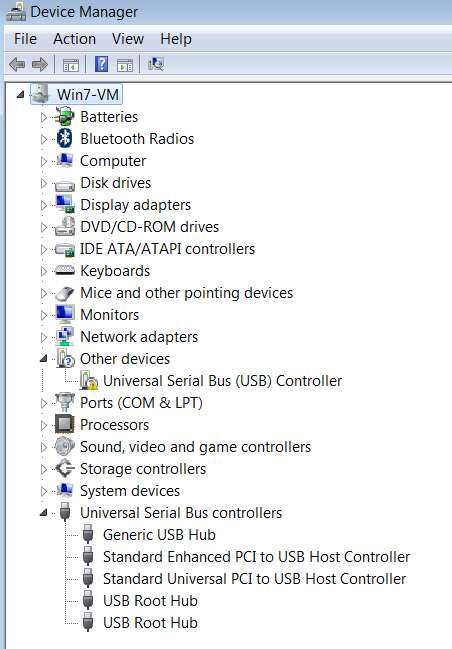
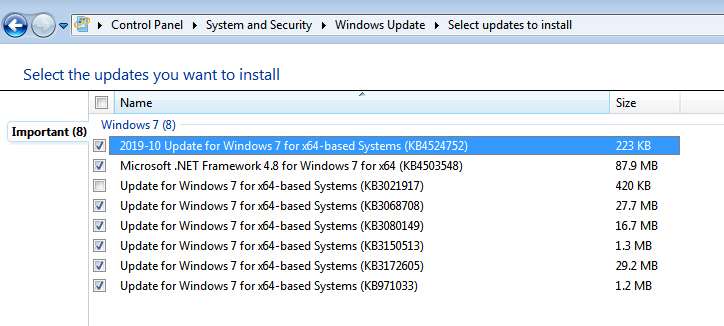
I'm using Firefox. What browser are you using? Note that the rendering of those pictures in your browser as documented by your latest screenshots is NOT HOW IT LOOKS FOR ME. Note that only the first image you posted (in the sequence of the "recipe" instructions) displayed properly, in-line and with no extra text. But all the rest of your pictures either (a) displayed your file name followed by the image, or (b) only displayed your file name with no image.
For example:
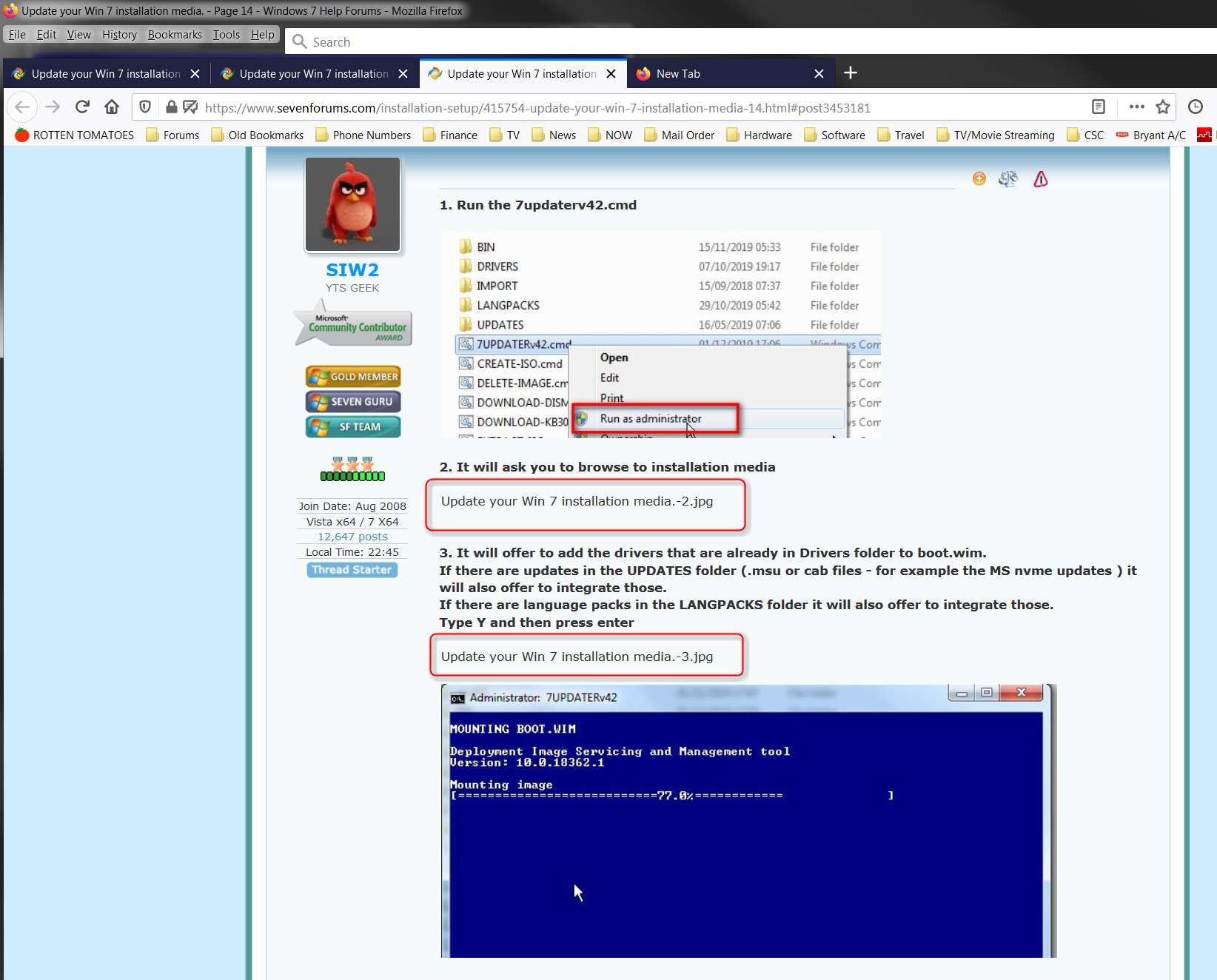
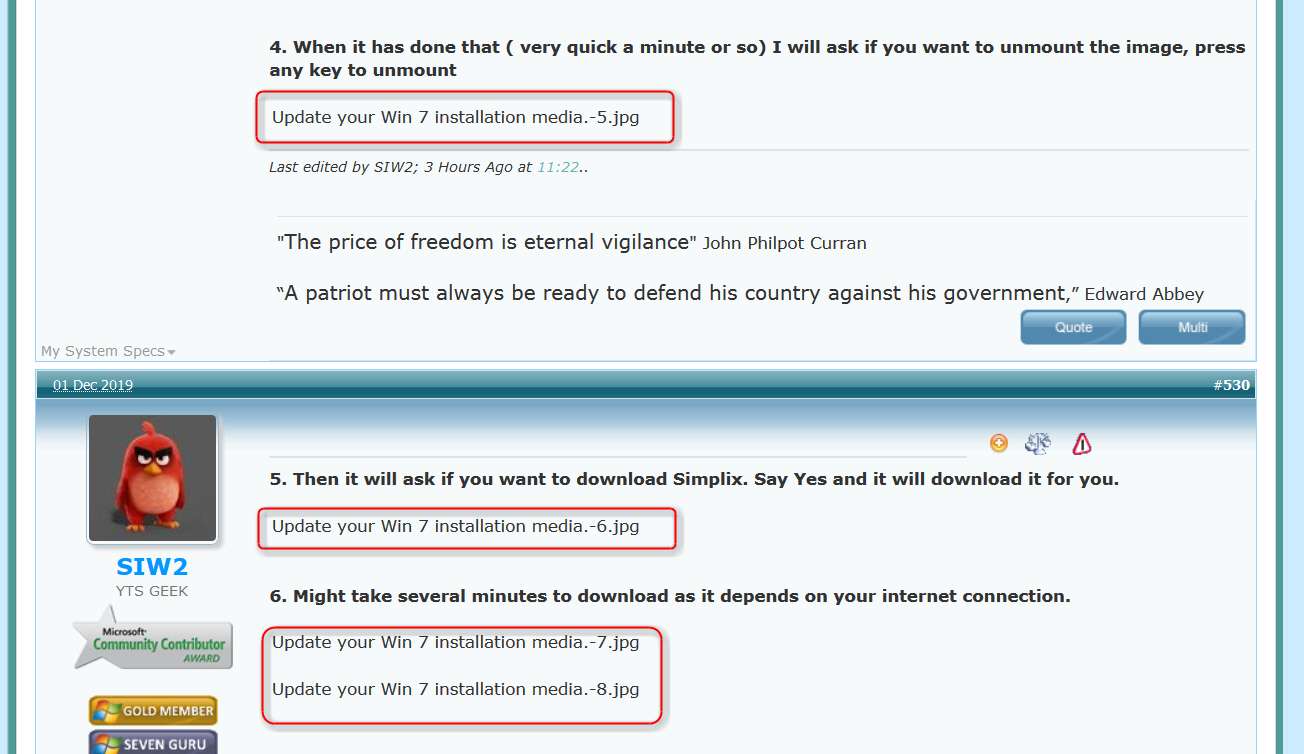
If I right-click on the "file name" text I get a popup from Firefox that allows me to "copy image location", and if I click on that the SevenForums attach database URL is copied to the clipboard. If I then open a new tab and paste in the URL and press ENTER, I am presented with a forum login screen!! Note the URL address in the following screenshot, which is correctly the URL of your picture's file name in the SevenForums attachment database.
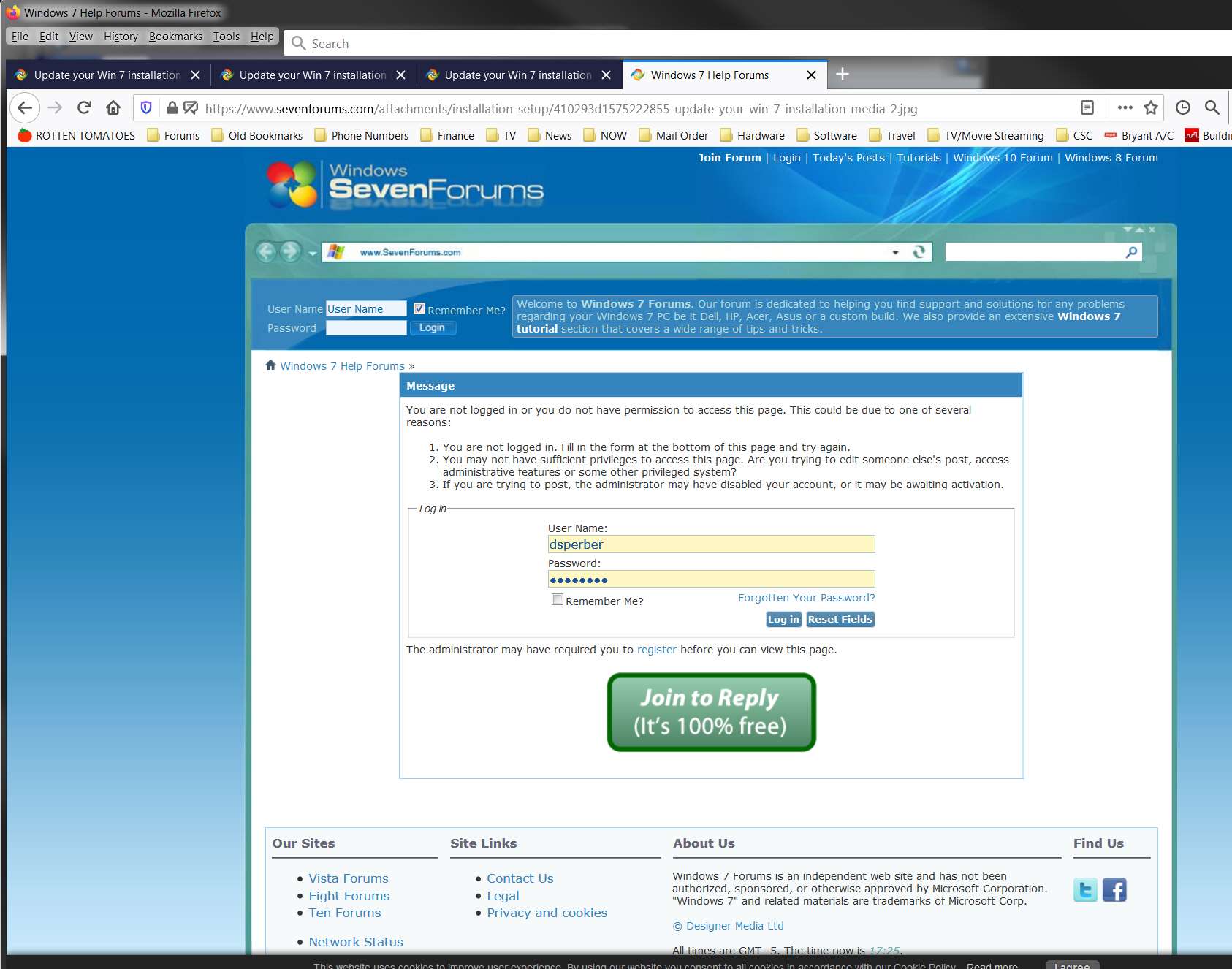
So for some reason attempting to display the picture in a separate tab fails, and instead presents the login screen. And if I then push the log in button that works, and I'm re-logged in(?) (although of course I'm already obviously logged in so this shouldn't be necessary), but the image doesn't ever get presented. Instead I am re-presented with this same login screen yet again. And this loop is perpetual.
So, there is obviously something incompatible with how you've posted and imbedded your pictures through the forum attachments process which is not working properly... at least not with Firefox. I have no such issue posting many many pictures using the external URL method.
I will report this to Brink.
I post my pictures on ImageShack, which is an external image hosting site. I then imbed my pictures in-line using "start image" and "end image" delimiters, with the external URL from the hosting site in between. That works perfectly.
Your pictures appear to have been uploaded to the SevenForums attach database. I don't do that so I don't know how you then request them to be displayed in-line in your posts. But it's not working for me. We should probably get Brink to look at this, and investigage.
I'm using Firefox. What browser are you using? Note that the rendering of those pictures in your browser as documented by your latest screenshots is NOT HOW IT LOOKS FOR ME. Note that only the first image you posted (in the sequence of the "recipe" instructions) displayed properly, in-line and with no extra text. But all the rest of your pictures either (a) displayed your file name followed by the image, or (b) only displayed your file name with no image.
For example:
If I right-click on the "file name" text I get a popup from Firefox that allows me to "copy image location", and if I click on that the SevenForums attach database URL is copied to the clipboard. If I then open a new tab and paste in the URL and press ENTER, I am presented with a forum login screen!! Note the URL address in the following screenshot, which is correctly the URL of your picture's file name in the SevenForums attachment database.
So for some reason attempting to display the picture in a separate tab fails, and instead presents the login screen. And if I then push the log in button that works, and I'm re-logged in(?) (although of course I'm already obviously logged in so this shouldn't be necessary), but the image doesn't ever get presented. Instead I am re-presented with this same login screen yet again. And this loop is perpetual.
So, there is obviously something incompatible with how you've posted and imbedded your pictures through the forum attachments process which is not working properly... at least not with Firefox. I have no such issue posting many many pictures using the external URL method.
I will report this to Brink.
My Computer
- Computer type
- PC/Desktop
- Computer Manufacturer/Model Number
- Home-built, two systems (1) and (2)
- OS
- Windows 7 Pro x64 (1), Win7 Pro X64 (2)
- CPU
- i5-3350p 3.1Ghz/6MB-cache (1); E8400 3.0Ghz/6MB-cache (2)
- Motherboard
- ASUS P8Z77-V Pro (1); ASUS P5Q3 (2)
- Memory
- 8GB PC3-12800 DDR3 (1); 4GB PC3-10600 DDR3 (2)
- Graphics Card(s)
- ATI HD7750 (1), (see TV cards); ATI R7 250 (2)
- Sound Card
- Realtek ALC892 HD Audio (1); Realtek ALC1200 HD Audio (2)
- Monitor(s) Displays
- Eizo HD2441W LCD, Eizo S2433W (1); Eizo 24" S2433W (2)
- Screen Resolution
- 1920x1200, 1920x1200 (1); 1920x1200 (2)
- Hard Drives
- (1) 1TB SATA-II (7200RPM), 2x2TB SATA-III (7200RPM), 250GB SATA-III (10000RPM) for OS; 2x2TB external USB 3.0
(2) 320GB SATA-II (7200RPM), 750GB SATA-II (7200RPM), 150GB SATA-II (10000RPM) for OS; 2TB external USB 3.0
- PSU
- Nesteq ECS-6001 600W (1); Nesteq ECS-5001 500W (2)
- Case
- Acousti-Case 360 (1) and (2)
- Cooling
- Noctua NH-U12P SE2 for CPU, 2x120mm case fans (1) and (2)
- Keyboard
- IBM PS/2 (1) and (2)
- Mouse
- Logitech MX Revolution wireless (1); Microsoft wired (2)
- Internet Speed
- 100mbps down / 10mbps up
- Antivirus
- Microsoft Security Essentials; Malwarebyte Anti-Malware Pro
- Browser
- Firefox
- Other Info
- Ceton InfiniTV 4-tuner cablecard-enabled TV card as well as Hauppauge HVR-2250 OTA/ATSC 2-tuner TV card in (1), running under Win7 WMC