I have Windows 7 Pro located on a thumbdrive and I want to make sure I am using it correctly.
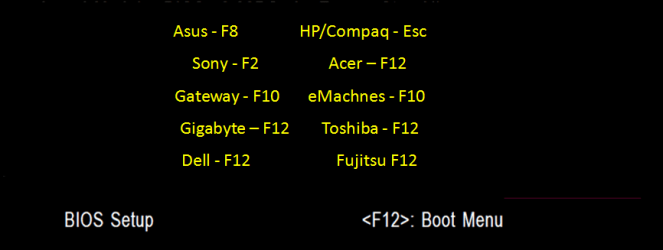
First, I set the USB device to boot from the BIOS settings and then the prompts come up for me to begin a install. After going through everything and installing, it restarts automatically and as soon as it restarts it boots to the USB device again and starts over for me to go through the prompts again to install. So I change from the boot device being USB to HD and everything seems to finish fine.
My question is, is this correct? This is the first time i have used a thumbdrive to install an OS and it seemed to go so fast. Within probably 10 minutes the install was complete and restarted. How do you guys install from a USB device?
First, I set the USB device to boot from the BIOS settings and then the prompts come up for me to begin a install. After going through everything and installing, it restarts automatically and as soon as it restarts it boots to the USB device again and starts over for me to go through the prompts again to install. So I change from the boot device being USB to HD and everything seems to finish fine.
My question is, is this correct? This is the first time i have used a thumbdrive to install an OS and it seemed to go so fast. Within probably 10 minutes the install was complete and restarted. How do you guys install from a USB device?
My Computer
- OS
- Windows 7 32bit