- Local time
- 8:37 PM
- Messages
- 104
alright its install do i have to go to bios to let ac97 enable ?
My Computer
- OS
- Window 7 Ultimate 64bit


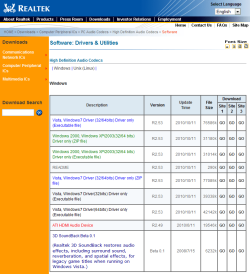
Vista, Windows7 Driver(64bits) Driver only (Executable file)
go to the page in realtek in the post above you want Vista, Windows7 Driver(64bits) Driver only (Executable file)
Vista, Windows7 Driver(64bits) Driver only (Executable file)
going to take me 40min top to download that ....
after i dl it i install and restart my comp and go to bios and enable ac97 ?

Vista, Windows7 Driver(64bits) Driver only (Executable file)
going to take me 40min top to download that ....
after i dl it i install and restart my comp and go to bios and enable ac97 ?
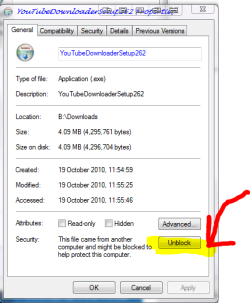
enable the 97 before you install it also in the program make sure it installs with admin rights when the file has downloaded open the properties like in the pics and click the highlighted buttons
dont worry windows will tell you if this will not work im going to get lunch and have a break
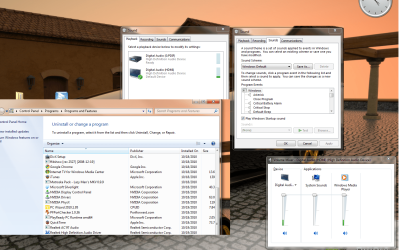
to double check see this pic allow full control for all users and system etc
Hey i install
"Vista_Win7_R253"
and i change the bios setting for High definition audio front panel type "ac97"
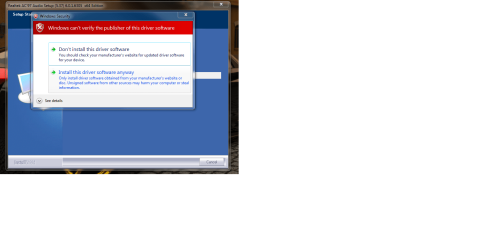
WHen i try to install "6305_Vista_Win7_PG537"
this keep poping up
Hey heres the speccy FIle i zip
to see what change
is there a realtek icon in task bar?