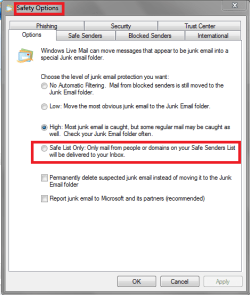
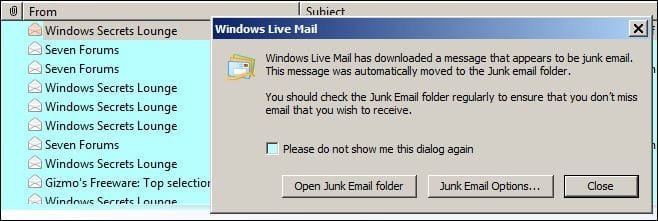
Hi roncerr, how do I do it.Perhaps you can get it back by adding it....Their is no 'Don't Show Junk Dialog' in Regedit...
My Computer
- Computer Manufacturer/Model Number
- Look in my Signature.
- OS
- Win7 H.Prem. 32bit+SP1

Hi roncerr, how do I do it.Perhaps you can get it back by adding it....Their is no 'Don't Show Junk Dialog' in Regedit...
Yes, I noticed that also. Was yours a clean or upgrade install. Mine were both upgrades from 2010 version.I am also using WLM 2012 and the attachment I included of the registry is from my system and yours are both different.
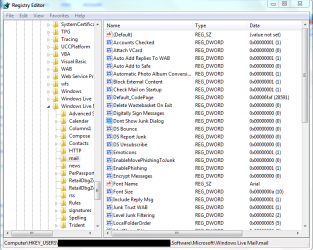

Use the Edit menu. Edit>New Dword. Make it look like what you want by right clickling on the New item to either rename or modify....how do I do it.
I thought their was more info needed to do so.Use the Edit menu. Edit>New Dword. Make it look like what you want by right clicling on the New item to either rename or modify....how do I do it.

Hi David,Are you now getting the notifier pop-up for junk mail, and this is solved?