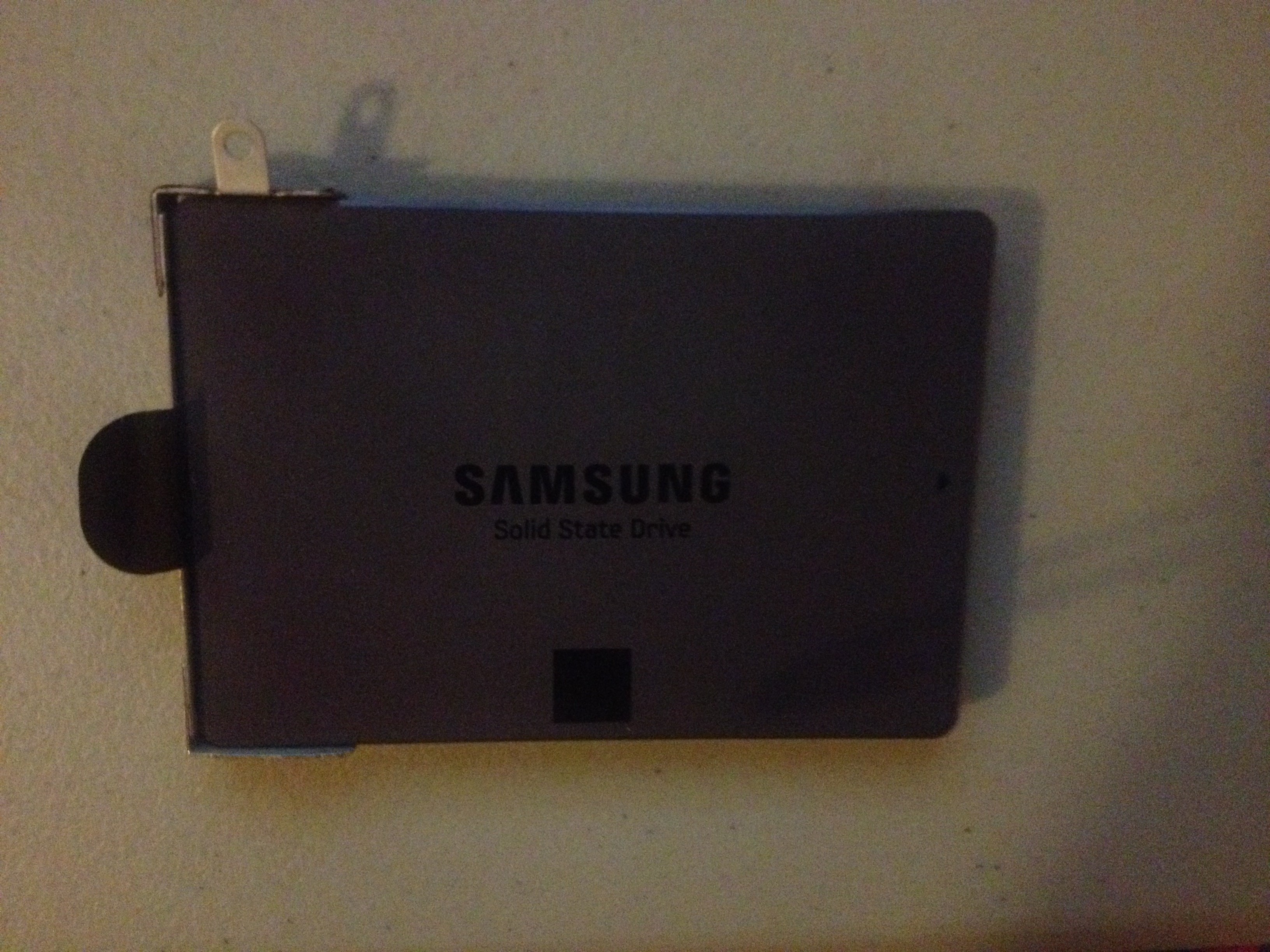
Hey guys. I got the new laptop. But i have not unscrewed the thing from my samsung ssd yet so will do so soon. Then i will plug it into the enclosure and connect it into my desktop to see what files i want to move.
So just want to make sure. Copy everything that i need to into my desktop computer. Then connect it to my external hard drive. Then after i go to the repair shop with my new computer which i never turned on, have the guy switch my hard drive in that new computer with this new one. Then he still needs to power it up to see if it works.
Why wouldn't YOU power it up to see if it works?
After that, do i have to have him do the installation?
No, but considering your anxiety level and experience level, you may as well.
That part is easy if it was new computer and i dont have to change hard drive but the one part that im not sure is when i do the installation, there will be a part where it ask which partition to delete etc right since this is an old ssd?
For a clean installation, you would delete all partitions. All. Repeat ALL. And you have to have some Windows 10 installation media (disc or USB flash drive), which I'm guessing you do NOT have.
But of course you don't have to do a clean install. Since you DON'T have installation media and are inexperienced, I'd probably have the shop clone or image the existing Windows 10 install to the Samsung SSD. That way, the install would be exactly as if you had ordered the new Dell laptop with the Samsung SSD rather than the hybrid drive. You also would avoid any possible shenanigans with licensing. Are you confident this repair shop is an honest outfit?
Thus if its brand new computer and i use the hard drive that comes along with it, i wont get this message?
A message about deleting partitions on a brand new computer? No. It should just start up and run. You should find out if it won't. Why rely on the shop to find that out?
Well this new laptop is windows 10. My sager ssd is windows 7. So am i doing a fresh install or an upgrade?
You are doing a clean install to an SSD or a clone or image from the hybrid drive in the new laptop to the SSD. You have to decide which. You are not doing an upgrade.
You mean i have the option to choose windows 7 or 10?
No, only Windows 10. The new laptop does not have a Windows 7 license. If you want to put 7 on it, you have to buy 7 separately.
I had no idea not much people use windows 7 anymore.
Twice as many people use Windows 7 as Windows 10, but you don't have a choice unless you lay out more money or already own a retail Windows 7 license (unlikely).
Sorry for asking all these questions and repeating few of it. Im just worried im going to make a mistake at some point.
You should be worried. That's why you should have a competent shop do it. You walk in with the new laptop in one hand and the SSD in the other. You tell them what you want them to do. You come back the next day and walk out with the new laptop in one hand and the old hybrid drive in the other. The new laptop now has the SSD inside it, with Windows 10 on that SSD, just as if you had ordered it from Dell that way.
So after he swaps the hard drive, would it be possible for him to turn on my laptop to see if it works but then shut it down and not finish it?
He could see if the SSD is visible and apparently working OK without installing Windows 10 onto it, but it's your job to determine if the the thing "works" at home by yourself before going to the shop. Maybe the motherboard is bad. Maybe the screen has a bunch of bad pixels. Maybe the keyboard is flaky, etc.
Then i go back home and i do it myself?
Yes, you could do that, but you may be in over your head, judging by this thread. You apparently don't have installation media. What are you going to do about that? You apparently have never before installed Windows. You seem to have no experience with a cloning or imaging application. The path of least resistance is to have the shop do it all since I guess you have already decided they are going to do the drive swap.
Your primary concern would be to pick the right shop and be able to tell them what you need done. Do you tell them "clean install to SSD" or do you tell them "transfer existing install to SSD"?
Or is this bad since theres no way to really shut a computer off after you turn it on
Hmmmm........................
The thing however is didn't someone mentione if i swap hard drives, they have to make sure i have the right drives etc and you have to also do something like this?
Something like what?
I believe someone mentioned this? Because if so, then i obviously have him do everything. Im not sure how much it cost to have some just replace the ssd with the hard drive, but i know when they install windows, thats probably another $60? But is this considered installing windows or not? Because windows is already there right? So what is it called if its not installing?
You'd have to ask the shop about their rates, but of course you need to know what you want. Maybe you don't.