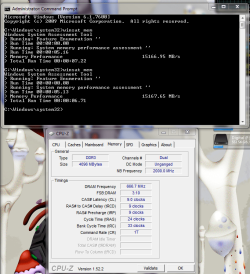
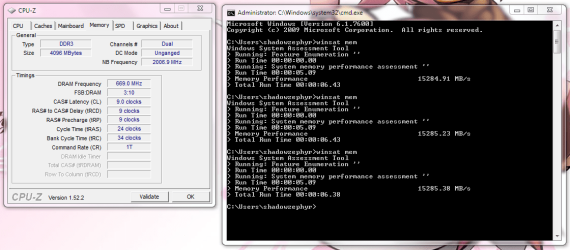
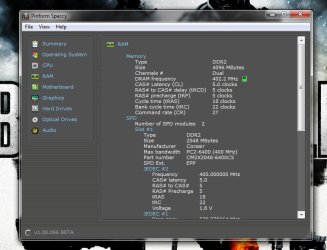
ok well i did it that way, but i set the voltage at 1.64 because when i would put it at 1.65 it would auto go to a 1.66 and kept telling me its not recommended, i ran the ram test and found no problems

so im wondering if i should leave it at 1.64. do you think 1.64 is ok? now i just need to run some games and see if they crash like they did, and cpu temps are back to normal
UPDATE on game: just played tf2 for a bit if it was going to crash it would have already, considering when i had it the other way around 10 mins in it would of crashed with the hl2.exe not responding thing. although i did have a little stutter when i came in which scared the hell out of me, cause then i thought it brought back my old problem O_O but then i kept playing and everything seem to be ok. seemed to be that my computer wasnt all the way warmed up yet.
Also on the speed step you think its no good??? i mean it ocs it self when using 1 or 2 cores to get more juice out of it... if it hurts me more then it benefits me ill disable it.
yeh 1.64v will be fine. the i7's for some reason have an issue with the ram voltage being too high. i dont know why this would affect the cpu though. or it could have something to do with the actual DRAM bus that gets affected by the voltage. but they do recommend not to go too high over 1.65v
its good to see that we had success! lol FTW!
speed step shouldn't hurt anything, its just it will make your cpu speed fluctuate when it gets to a certain percentage, for example, at 80% idle (20% cpu in use) it will reduce your multiplier and cpu vcore to 'save power', then once the cpu starts getting used more it will return it to full power. its more a personal preference matter, the way i see it, is if your computer has high end components, why bother trying to make it more power efficient? like a supercharged v8 and expecting to get good fuel economy?lol. with laptops, windows 7 allows you to set the minimum cpu usage, so i set it to 80% and it keeps the cpu at full speed so there is no lag between going from idle to opening a program.
and because you have the i7's turbo enabled, when at a certain cpu usage, again it will in fact increase your multiplier by x1 to give it a boost.
to me these advanced features are great for laptops (that want the battery life) and economic PC's like home theatre pc's (even though i overclock mine)
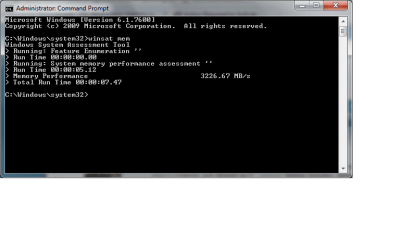
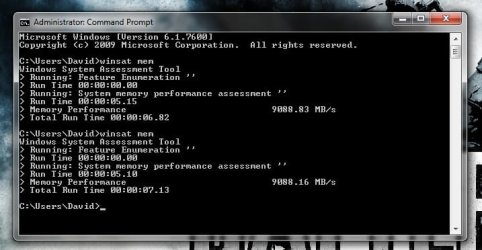
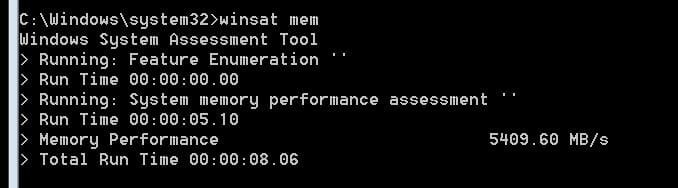
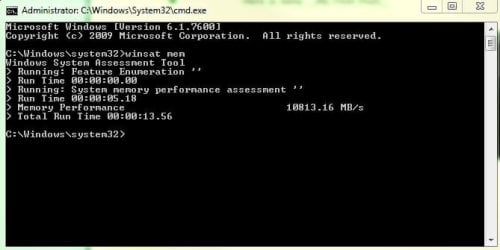
so with all that said, has your WEI increased? what about the memory assessment speed? (if your WEI did increase, dont forget to show it off on the WEI thread!)