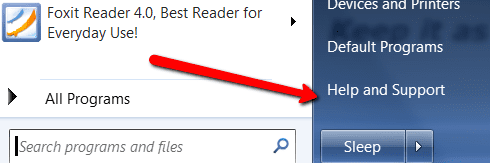
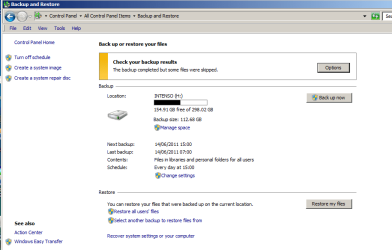
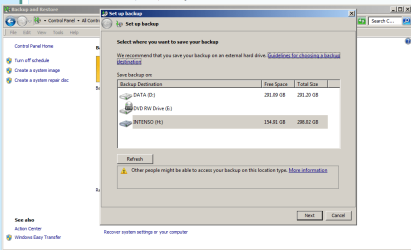
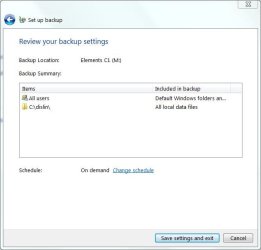
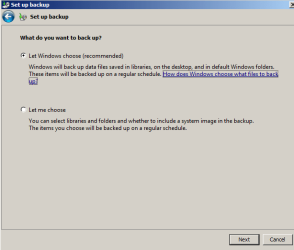
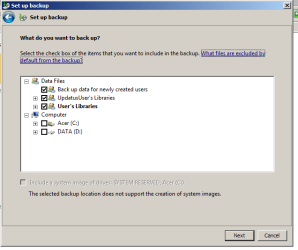
Here it is. As you can see, nothing seems to be out of order ... but it doesn't appear to back to H drive the files on Desktop automatically.
What makes me suspicious that all isn't well is that first, the major files on the desktop here are saved in a large folder marked as Files and Folders. Now, I have manually saved this folder (using copy and paste) to the external drive. To test if this backup system will save an updated version of this folder automatically, using Backup and Restore, I later added 3 files to this desktop folder. Then used Backup and Restore to see what happens. If these 3 files were also copied to the external drive that way, the system is proved as working (saving all the files from this folder from desktop to external drive).
But it didn't. In other words, it did not copy these 3 pdf image files, added later, to the external drive as presumably it should. So I've not got much trust that the Backup and Restore system is actually behaving as it should. It looks like it's simply re-copying (at most) the files that are already on the external drive, which isn't any use. At worst, it's going through the motions of copying all the folder, but it isn't.