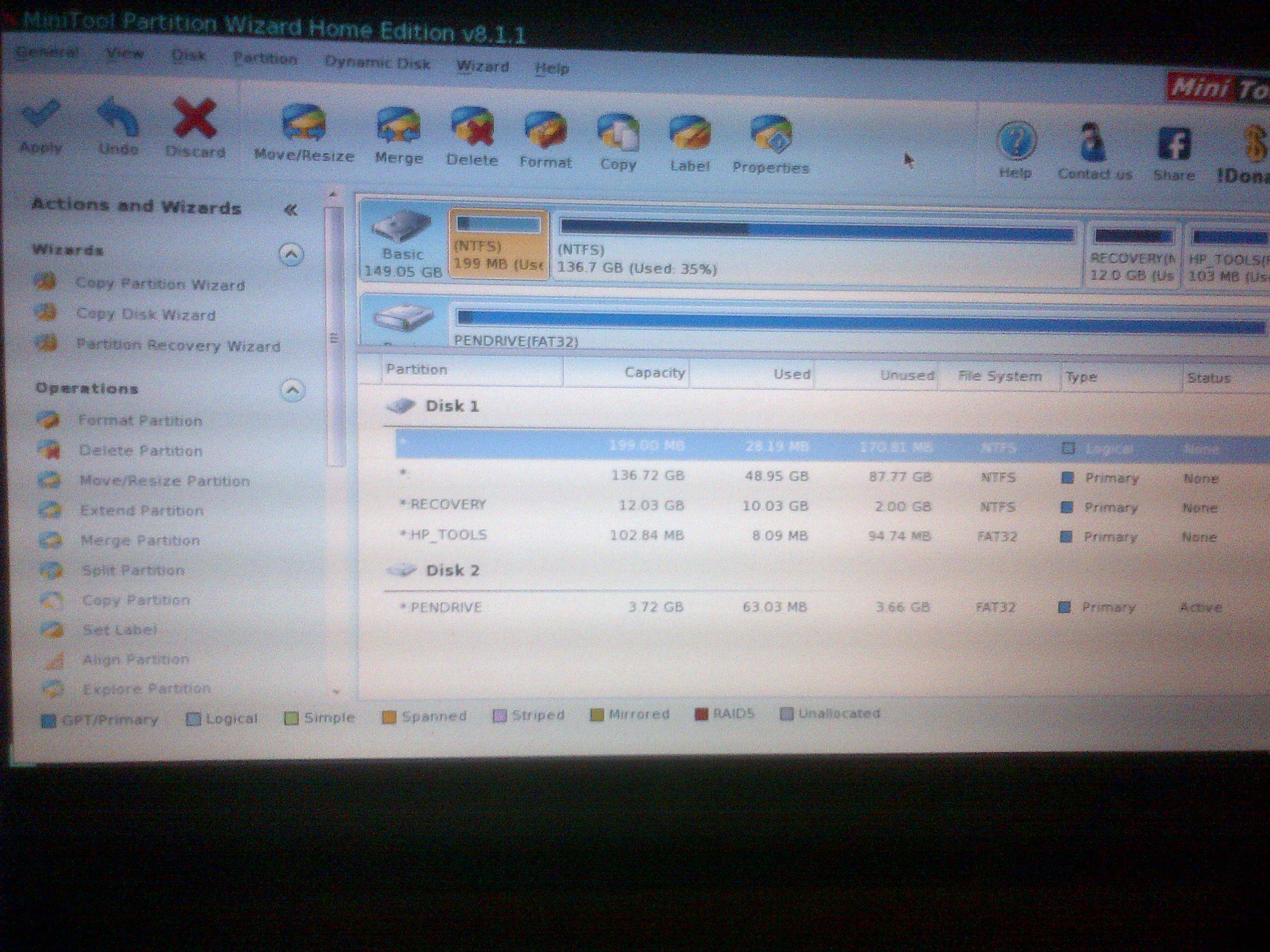
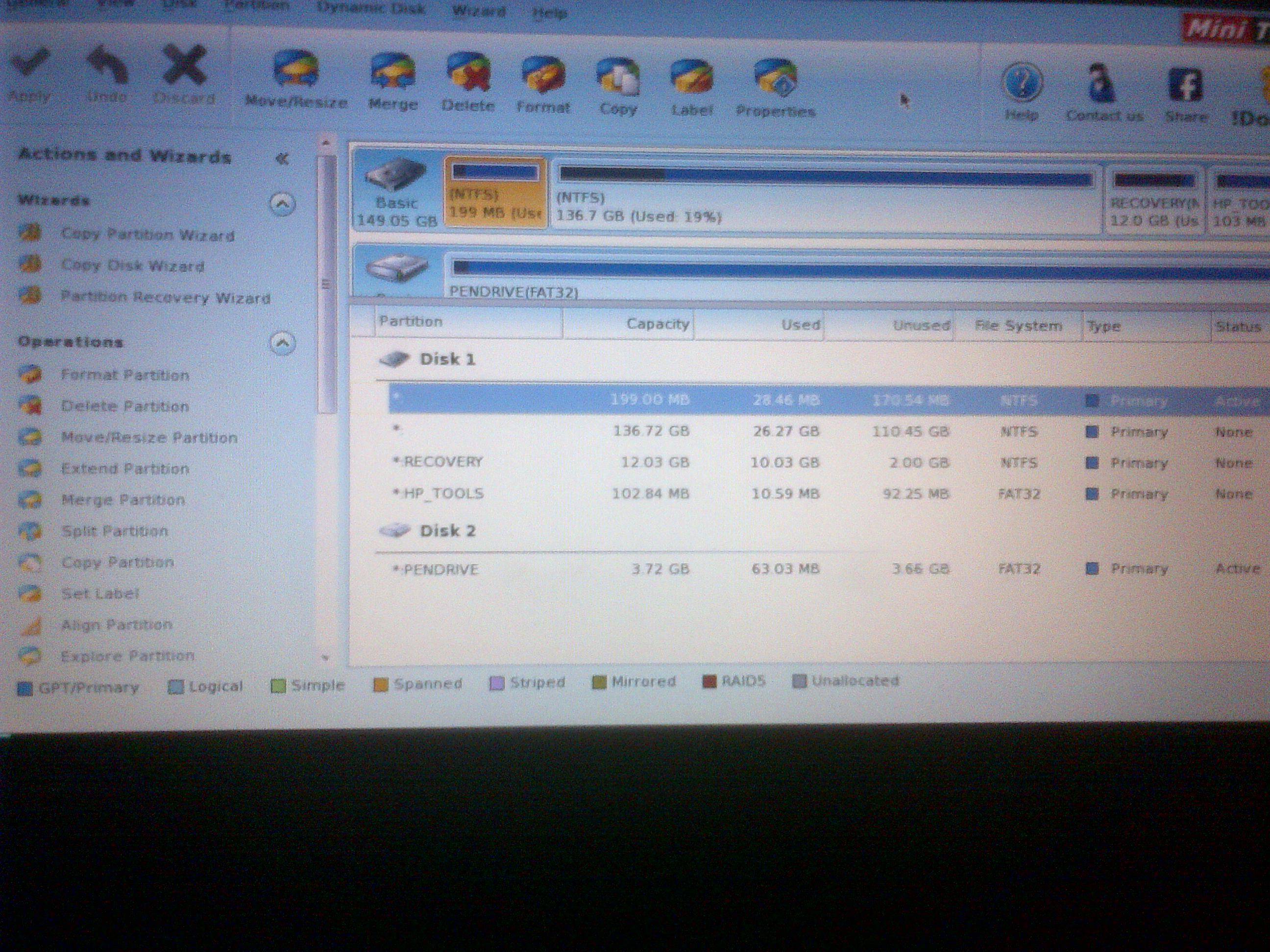
I want to back up one step first.
Can you get to BIOS?
If you can - reset to defaults, save on exit, and reboot.
If resetting BIOS to defaults worked, skip the rest of this post.
Can you still get to the Quick Web screen shown in your post #3?
How did you get to command prompt?
There are two things that are troubling me
Download and create WDO on a USB stick (if you can, put WDO on another stick and keep the Win7 Home Premium media just in case it's needed). WDO is small < 300 MB
See this tutorial: http://www.sevenforums.com/tutorials/166445-windows-defender-offline.html
Option 1 tells you how to create the media (step 6 in option 1 is for USB)
Option 2 ells you how to use the media and scan your machine.
There is a full regiment of AV tools that I could suggest, but your machine doesn't have Internet or CD drive. I've found a few that can be put on a USB stick but I'm not sure about the others.
Anyway, run WDO and post results. It might not see your drive either. That still leaves why Quick Web and Command Prompt work off the disk as a mystery.
Can you get to BIOS?
If you can - reset to defaults, save on exit, and reboot.
If resetting BIOS to defaults worked, skip the rest of this post.
Can you still get to the Quick Web screen shown in your post #3?
How did you get to command prompt?
There are two things that are troubling me
- Quick Web is on a FAT32 partitioned (usually E:\ and labeled HP_Tools)
- Command Prompt is on the System Drive
Download and create WDO on a USB stick (if you can, put WDO on another stick and keep the Win7 Home Premium media just in case it's needed). WDO is small < 300 MB
See this tutorial: http://www.sevenforums.com/tutorials/166445-windows-defender-offline.html
Option 1 tells you how to create the media (step 6 in option 1 is for USB)
Option 2 ells you how to use the media and scan your machine.
There is a full regiment of AV tools that I could suggest, but your machine doesn't have Internet or CD drive. I've found a few that can be put on a USB stick but I'm not sure about the others.
Anyway, run WDO and post results. It might not see your drive either. That still leaves why Quick Web and Command Prompt work off the disk as a mystery.
My Computer
At a glance
x64 (6.3.9600) Win8.1 Pro & soon dual boot x6...AMD A6-3420M APU with Radeon(tm) HD Graphics6.00 GBAMD Radeon(TM) HD 6520G
- Computer type
- Laptop
- Computer Manufacturer/Model Number
- HP Pavilion dv6-6c10us
- OS
- x64 (6.3.9600) Win8.1 Pro & soon dual boot x64 (6.1.7601) Win7_SP1 HomePrem
- CPU
- AMD A6-3420M APU with Radeon(tm) HD Graphics
- Motherboard
- Hewlett-Packard 1805
- Memory
- 6.00 GB
- Graphics Card(s)
- AMD Radeon(TM) HD 6520G
- Sound Card
- (1) AMD High Definition Audio Device (2) IDT High Definiti
- Monitor(s) Displays
- HP W2072a 20" LCD (1600 x 900) @ 60 Hz
- Screen Resolution
- 1366 x 768 x 32 bits (4294967296 colors) @ 60 Hz
- Hard Drives
- ST640LM0 00 HM641JI SATA Disk Device
- Keyboard
- Logitech k520 wireless KB
- Mouse
- Logitech m320 wireless mouse (bundled with KB)
- Internet Speed
- 15/5 | 54 MB Wireless 'n'
- Antivirus
- Realtime: Defender or Avast | On-demand: Malwarebytes, ESET
- Browser
- IE 11 on Win8, IE 10 on win 7
- Other Info
- Media: [Gimp, Audacity, VLC] || Comm: [WEmail 2012, Skype] || Productivity: [OpenOffice,| Textpad] || Utils: [Sysinternals, cCleaner, Speccy, Defraggler]





 any idea on how I can get those files back?