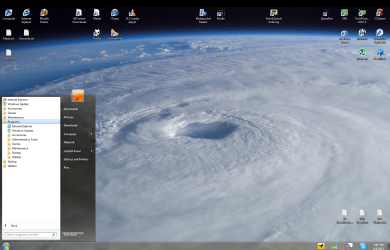
You can just delete them. To be honest, I actually deleted all occurrences of Internet Explorer and Windows Update from my Start Menu because I never use Internet Explorer, and I've found that I can access Windows Update faster by just pressing my Windows Key, typing "windows u" (for windows update) and pressing Enter.
To delete them, right-click one of them, press Shift, and the click "Delete" while holding down Shift. Then release the Shift key after you click Delete. Repeat for both. Holding down Shift makes your deleted item bypass the Recycle Bin and get deleted immediately.
These are just shortcuts, so deleting them does not affect or harm IE or Windows Update.
Edit: "Default Programs" is the link to the Control Panel item called "Default Programs". Re-enable it and then you will see the link show up on the Start Menu, and it will bring you to that part of the Control Panel.