Single boot W7, two unwanted partitions, and admin user
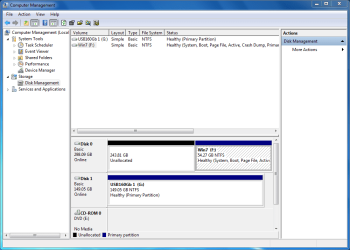
The score so far is that I have a single boot set up having restored the W7 system backup made with W7 Disk Management GUI.
I thought to start I would just remove the D partition and expand the Win7 partition into that. I used Partition Wizard. On reboot I had a new error 'autochk program missing - skipping autocheck' this went into an endles boot loop. Using install DVD for repair did not help, it could not make the repairs it said.
I used the Repair Console to re-install the Win7 Backup again. Fixed the NTLDR problem with the Repair Console booted into Windows no problem but still have theC & D partitions to remove or resize. (I wonder if I should use Disk Manager to do this so Win 7 knows what is going on?)
I enabled the Administrator account (temporarily) and decided to call it a day and give you guys a break. Pity our time zones are so far out!
So to summarise:
a) Single boot Win 7 is working from the F: partition
b) C and D partitions are still in place - I don't strictly need more than one partition anyway, originally all personal docs were in the User Account folders on C drive, it just seems easier to backup system and personal data separately.
c) I need to expand the Win7 partition as it is only 45Gb and will probably need more once the other software is all loaded
d) Administrator account is available ( I will disable this once everything is working)
Many thanks for all assistance, am going to take a break

Jon




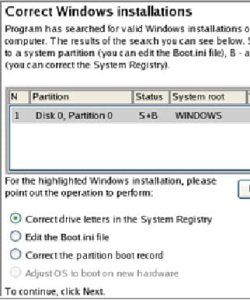
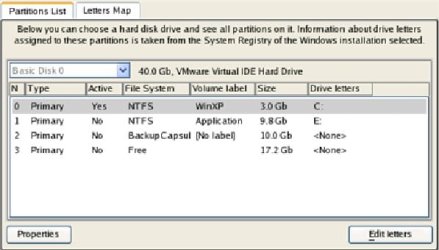
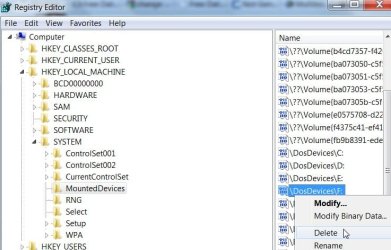
 into W7. Hooray!