Yes, it can be done. The 15R-5537 is my daughter's main machine. We had it dual-booting 7 and 8.1, but recently she replaced the 7 partition with another 8.1 so she's dual-booting two 8.1 partitions now. (Like me, she has no interest in 10. But dual-booting 7+10 would be no different than 7+8.1.)
Her machine originally came with 8 in UEFI mode, but we changed that to dual-boot 7+8 in MBR mode, later 7+8.1 in MBR, and now 8.1+8.1 in MBR. You could also dual-boot in UEFI if you prefer--there are threads here and elsewhere on how to do it.
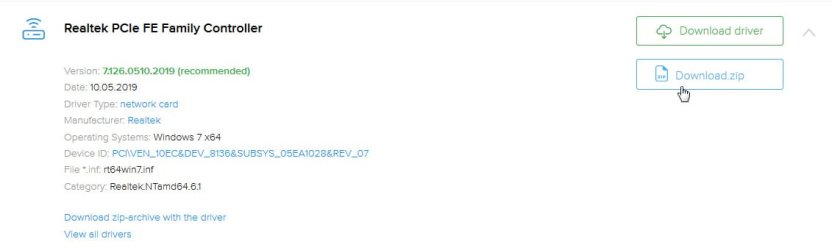
When you initially install 7, you'll have a basic 7 installation with ugly video, no USB3, and no internet. You'll need to install Dell's drivers to fix all that. Remember the "no internet" part--make sure you download your drivers before you start (at least the network drivers) so that you'll have them available after 7 is initially installed.
I'm not sure why people in some of those third-party links had so much trouble finding drivers. I found all the Win 7 drivers right on
Dell's 5537 drivers page.
You'll need at least drivers for Intel Chipset, Intel Management Engine, Intel USB 3.0, Realtek Ethernet, Realtek Card Reader, Audio, Touchpad, and Intel HD Graphics. Depending on equipment you may also need AMD Radeon driver, Bluetooth, and wifi. The wifi driver can be troublesome because Dell has used a variety of manufacturers, so it helps if you can identify beforehand which wifi card you have. Perhaps look in Win10's Device Manager for hints, or maybe use something like Belarc Advisor. Or put your Service Tag number into Dell's site and check "Original Configuration" to see which wifi card your machine shipped with.
Note Dell's page also lists a BIOS update. That's for the Spectre/Meltdown mitigation. I don't know if you already have that installed, but you may (or may not) also want that. Some people (not specifically 5537, but in general) have reported performance throttling after applying Spectre/Meltdown patches, so you may want to proceed with caution on that one.