Hi,
First of all, here's a few things to know:
- My laptop has 2 hard drives
- I have a genuine DVD of Windows 7 Home Premium 32 bit
- The drive that I originally installed Windows on is starting to fail (1st drive), so I want to move the OS to the other drive (2nd drive).
- I have a cloned backup of Windows and all my programs and settings, etc. I did this using Paragon Backup & Recovery (free edition).
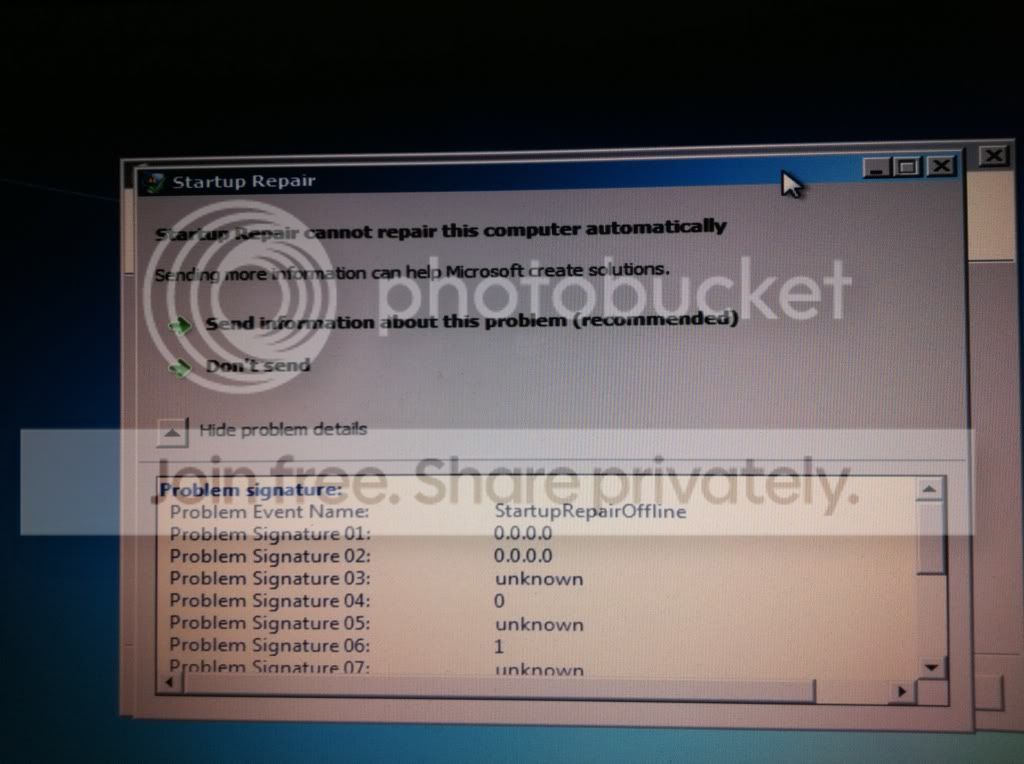
- From my backup image, I have recovered the OS to the other drive (2nd drive). Then I got boot up problems (wouldn't boot) so I used the Windows 7 DVD to System Repair. This allowed me to boot up, but it seems to have created a System reserved partition on the 1st drive (I want everything on the 2nd drive), and everything else seems to be on the other drive (1st drive).
- I copied the System reserved partition on the 1st drive to the 2nd drive (I think I uses Easus Partition Master, free edition). However, when I delete the System reserved partition from the 1st drive I once again can't boot up and have to do the System Repair again.
- I've tried several different tools to try changing active partitions, etc, but I'm just not knowledgeable enough to know what I'm doing .
.
So, here I am looking for help
Any ideas what I can try? I'm a total newbie at this stuff, so any help would be appreciated. I've included a screen capture of my Computer Management window.
Thanks

First of all, here's a few things to know:
- My laptop has 2 hard drives
- I have a genuine DVD of Windows 7 Home Premium 32 bit
- The drive that I originally installed Windows on is starting to fail (1st drive), so I want to move the OS to the other drive (2nd drive).
- I have a cloned backup of Windows and all my programs and settings, etc. I did this using Paragon Backup & Recovery (free edition).
- From my backup image, I have recovered the OS to the other drive (2nd drive). Then I got boot up problems (wouldn't boot) so I used the Windows 7 DVD to System Repair. This allowed me to boot up, but it seems to have created a System reserved partition on the 1st drive (I want everything on the 2nd drive), and everything else seems to be on the other drive (1st drive).
- I copied the System reserved partition on the 1st drive to the 2nd drive (I think I uses Easus Partition Master, free edition). However, when I delete the System reserved partition from the 1st drive I once again can't boot up and have to do the System Repair again.
- I've tried several different tools to try changing active partitions, etc, but I'm just not knowledgeable enough to know what I'm doing
.So, here I am looking for help
Any ideas what I can try? I'm a total newbie at this stuff, so any help would be appreciated. I've included a screen capture of my Computer Management window.
Thanks
My Computer
- Computer type
- Laptop
- OS
- Microsoft Windows 7 Home Premium 64-bit 7601 Multiprocessor Free Service Pack 1
- CPU
- Intel(R) Core(TM) i7-2720QM CPU @ 2.20GHz
- Motherboard
- Dell Inc. 0XN71K
- Memory
- 6,00 GB
- Graphics Card(s)
- (1) NVIDIA GeForce GT 555M (2) Intel(R) HD Graphics Fa
- Sound Card
- (1) Realtek High Definition Audio (2) Intel(R) Display Aud
- Screen Resolution
- 0 x 0 x 0 bits (0 colors) @ 0 Hz
- Hard Drives
- (1) WDC WD5000BPKT-75PK4T0 (2) USB2.0 Mobile Disk USB Device


 ). If that's the only way to do it then I'll have a look at how easy/difficult it is to access the hard drives.