You are running a Clean Boot? So what is now starting with Win7 and running in msconfig>Services after hiding All MS Services. You haven't been very responsive about the exact steps you've done.
Have you worked up to a
Repair Install yet? That may be required as well as eventually a
Clean Reinstall following the steps to get it perfect.
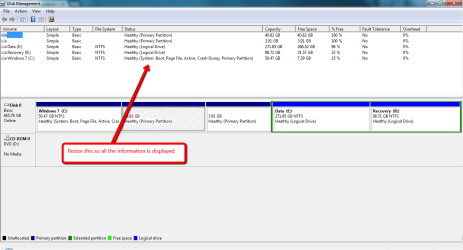
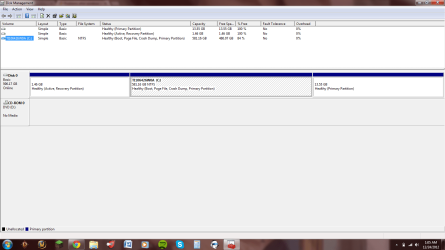
Please post back a screenshot of your maximized Disk Management drive map and listings:
1. Type Disk Management in Start

rb: Search box.
2. Open Disk Mgmt. window and maximize it.
3. Type Snipping Tool in Start Search box.
4. Open Snipping Tool, choose Rectangular Snip, click New, draw a box around full drive map and all listings.
5, Save Snip, attach using paper clip in Reply Box.
Tell us what is on each partition.