I realize the last entry in this thread has already been a while ago. However, I have been able to solve my problem, partly thanks to this thread.
I also want two pairs of speakers getting delivered the same signal from one soundcard.
Under WinXP, I used to have a Creative Labs Soundblaster Live! where I just had to activate "Quadrophonics" in the included software.
However, it wasn's that simple with the Realtek onboard sound adapter.
First, I downloaded the Realtek HD Audio-Manager on this German site:
Realtek HD Audio-Treiber Download - ComputerBase
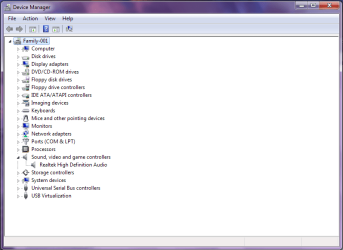
I installed it, but the start menu was missing. I found the necessary .exe in C:\Programme\Realtek\Audio\HDA\RAVCpl64.exe
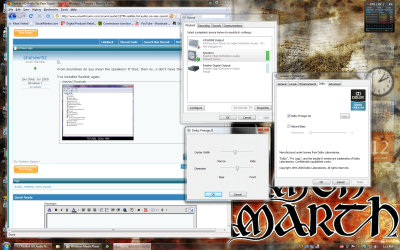
The Audio Manager opened and I clicked numerous times here and there, even in the "Erweiterte Geräteeinstellungen" [Advanced Settings] in the upper right corner.
While testing some settings, I found out, what Realteks idea was:
Having another stereo jack at the FRONT of the computer case.
Luckily, my case has one. I plugged the second pair of speakers to the front panel and instantly had, what I wanted: Twice the identical stereo signal.
The solution is to attach a second sound panel to the mainboard. Mine has two USB jacks, one for speakers and one mic-in.
Good luck, I hope I could give you guys some hints.
-budman