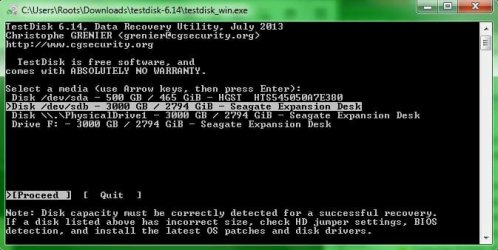
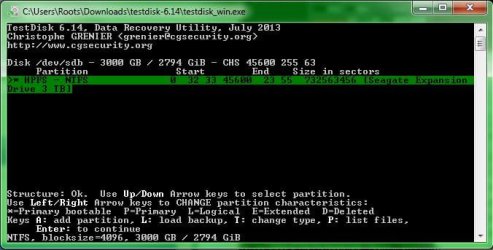
Yes, I noticed that you haven't connected another external drive.
As I said earlier nothing to be copied to the internal drive. We don't want to grapple with any other problem that may arise with your system- past experience

You have now become an expert in running TestDisk. You can close TestDisk and run it again after connecting another external drive.
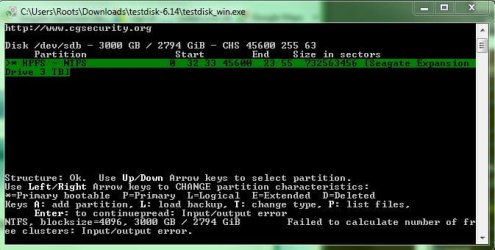
( I still see some problem in your faulty drive " Failed to calculate the number of free clusters: Input/output error." We will not worry about it now..)
Just copy as much data as possible and in whatever form to another external drive when you are ready.
No need to do anything in a hurry. You now know that all your data is there. Do it at your leisure. But till such time you are ready to copy, give your faulty drive a rest and do not use it repeatedly.Read the reference I had given on how to copy
As for the drives, I can give you only one recommendation : Do not buy any Western Digital HDD with built-in hardware encryption. If something goes wrong with the drive, data recovery as a DIY is impossible.
I would prefer Seagate drives. ( I have stopped buying any HDDs. I want to buy one Seagate 3TB drive now for my experiments. I don't have a >2TB drive now. May be I will buy it next month when I am in USA. I bought all my Seagate drives last time in Office Max/ Depot.)
I am now retiring early since I was awake for long yesterday night.