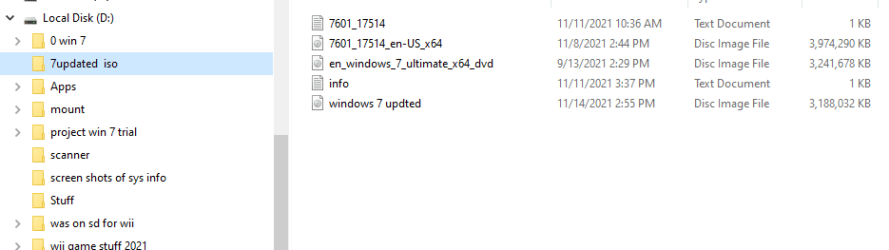
thanks. There is no special driver I want, I just asked so that the win7 iso file does not cause problems with usb3 and nvme disks.
TLDR: There are risks in reinstalling Win7 if using newer hardware.
Here is my fairly recent experience with the reinstallation of Windows 7 from scratch using an iso file. Take it with a grain of salt if you like. My ASUS custom-built system is from 2009 and Win7 was just introduced (AFAIK).
Everything installed quite quickly using my USB2.I used my older HDDs which were about a year newer than my current build, so the HDD tech didn't change. This is key because I used a new quasi hybrid HDD (more on that later) which I purchased in January of 2020. My mobo is the same as the site Admin here, Brink had back then.
After my system made a final reboot using Win7 SP2. My HDDs (3 in total) were all recognized as hot swappable. I didn't like that because all but the C (Primary Windows drive) could be [accidently] ejected like a USB drive.
I then proceeded to install from ASUS' website the ATA driver and while the drives were no longer hot swappable after, they now were erroneously listed as SSD, except the ancient HDD that I had. I did everything I could to try to change that, but no. It was not an issue I thought. However, I was wrong.
I started getting random crashes, explorer errors, and even the BSOD. I troubleshooted for a long time becoming more frustrated. I mean, I never had this issue before. I even installed a known working factory image of my system going back to 2015 and the result was the same—crashing and HDDs listed as SSDs when they weren't.
I finally determined the culprit was the ASUS driver. I uninstalled it, and I am using the native Win7 driver. I'm glad in a way never to have installed an actual SSD because God only knows how unstable my Win7 would be.