The memtest86 CD will continue running passes until you stop it. I would run at least 5-6 passes, or overnight to really stress test the RAM good.
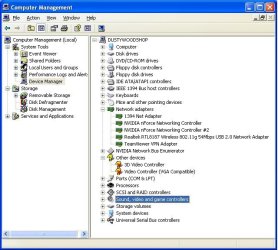
What happened when you tried to get into Device Manager using steps in tutorial?
Have you looked over the rest of Dave's posts? Follow his guidance closely.
I was able to get into W7 Device Manager. My system may work just a bit different but I got there. Now that I know I can, I will go back to document the sequence so that I can do it like I knew how.
Right now I have the memory test running. It appears to have completed one test with no errors. I need to watch it for a while to make certain that I am reading the score board results correctly.
While doing that, I will study yours and others recommendations - making a to-do list as I go.
I was in error when I reported that I had run a memory test. I did a test but not this one. I think the one I had run was a test made available by the W7 installation disc.
My Computer
At a glance
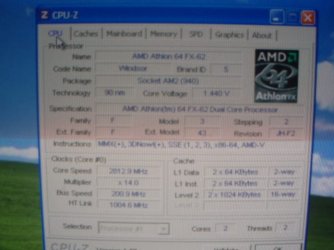
Windows 7x32 Home Premium & XP SP3 x86Athlon 64FXCorsair CM2X1024-8500C5GeForce 7950X2 (Dual)
- Computer Manufacturer/Model Number
- Polywell
- OS
- Windows 7x32 Home Premium & XP SP3 x86
- CPU
- Athlon 64FX
- Motherboard
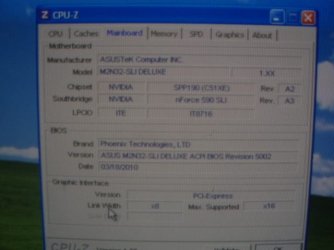
- ASUS M2N32SLI Delux
- Memory
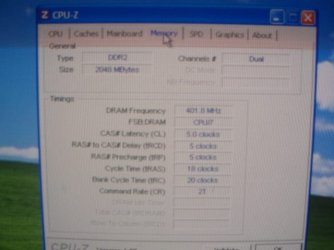
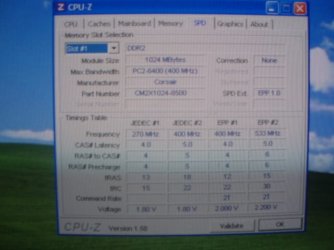
- Corsair CM2X1024-8500C5
- Graphics Card(s)
- GeForce 7950X2 (Dual)
- Monitor(s) Displays
- ViewSonic A90f+ (Two)
- Screen Resolution
- 1280x1024
- Hard Drives
- WD1500ADFD-00NLR1 (Originally Raid5)
Changed to three individual drives after HD crashed. May return to RAID5 if I locate a suitable HD.
- PSU
- TurboColl 1KW
- Case
- Polywell
- Cooling
- Cool'n'Quiet (Questionable Operation)
- Keyboard
- Logitech
- Mouse
- Logitech
- Internet Speed
- 1GHertz (I think)
- Other Info
- Sony CD-RW CRX320EE
HP DVD Writer 1140d (may need to replace??)