You wil need several blank DVDs and your flash drive to complete this. The flash drive is optional, but I know you have already used it for some previous steps, and it can be used further, if you have enough space available on it.
If you have a Installation disc for Avira, you can use this to reinstall later, although it would be my advice to download the latest version of your application directly from
Avira's website you may have to look around for it, but if you can find it and copy it to a disc or a flash drive, it will be best. There's no need to risk going on the Internet trying to locate what you need without anti-virus protection active later. This also applies to the Activation Code you mentioned, which I think you said it was saved in the original email. Print it out or write it down carefully, keeping in mind it may be case-sensitive.
Make sure your Product Key is legible. This will be located on the COA label on the bottom of your laptop. It should follow the form: XXXXX - XXXXX - XXXXX - XXXXX - XXXXX. You will need it to reactivate windows, and they can become difficult to read over time, especially on a laptop. You may want to write it down so you don't have to keep flipping you laptop back-and-forth, or if it's starting to wear off. This is the one I mentioned earlier in my PM. I don't need it, you will.
There should also be some text on the COA label describing your specific windows license version (ie. Win7 x64 OEM - or similar), please send me a copy of that line. (sorry no screen caps usable with this one!

)
Mike


 But I am up and ready to continue with the Clean Install.
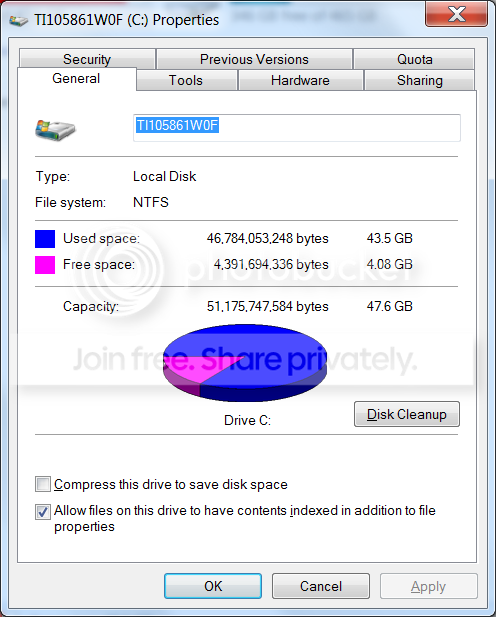
 rb: , Select Computer, Right-Click the ( C : ) Drive and