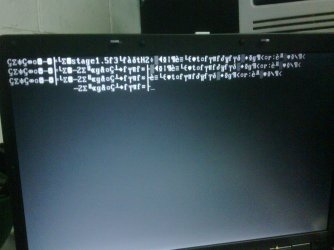
TG;Done! What now sir?!
If you have been successful in installing Grub into the Red Hat Linux partition, you can now try this again:
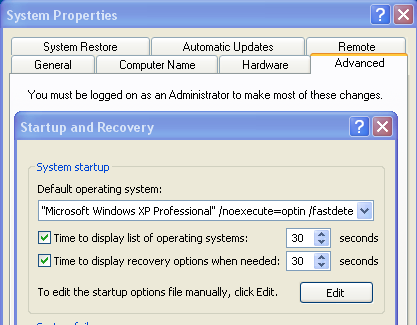
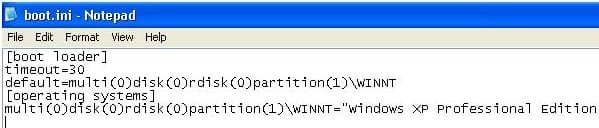
Add this line to the end of your boot.ini:
c:\linux.bin="Red Hat Linux"
Then Dump Linux boot sector to a file. Boot to Linux and type the following:
dd if=/dev/hda2 of=/linux.bin bs=512 count=1
Copy the file: linux.bin from Linux to the C: of your Windows XP and reboot.
It should work this time, and you should be able to boot to Linux through the Windows boot manager.
Cheers!
Robert
Ok. You had me up to the Add the line to boot.ini part..
Dump the linux boot sector to a file? You lost me there
And how will i copy the file. Via flash drive?
My Computer
- Computer type
- PC/Desktop
- Computer Manufacturer/Model Number
- DELL VOSTRO 3650
- OS
- Windows 8.1 PRO
- CPU
- 3rd Generation Intel Core i7‐3612QM CPU @ 2.10GHZ
- Memory
- 8GB DDR3
- Graphics Card(s)
- NVIDIA GeForce GT 525M (128 bit), 1GB Grpahics
- Screen Resolution
- 1920X1080
- Hard Drives
- 750GB 5400RPM

 ermission denied.