Starting windows typically takes over 3 minutes, and even then I find that occasionally,on my main desktop that seems to hangup in terms of network access, and a re-start and patience is needed.
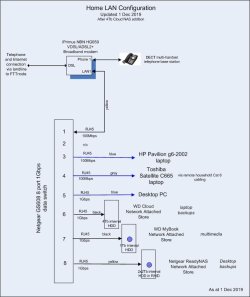
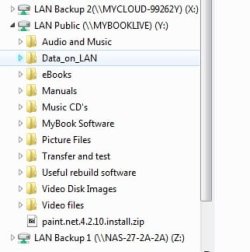
When the start hangup happens, it's usually because I haven't waited the full 3 minutes+ before trying to do something: the PC itself seems to work, but anything on the LAN - network storage and of course the internet (modem) for browsing or mail are just not responsive. Other laptops on the same network seem able to access both these things when the desktop can't, so it seems that some part of the windows start on the desktop involving network access is being interrupted: speeding that up may avoid the network (in)access issue.
Is there any way to speed the start process up?? Or is patience the only way . . .
When the start hangup happens, it's usually because I haven't waited the full 3 minutes+ before trying to do something: the PC itself seems to work, but anything on the LAN - network storage and of course the internet (modem) for browsing or mail are just not responsive. Other laptops on the same network seem able to access both these things when the desktop can't, so it seems that some part of the windows start on the desktop involving network access is being interrupted: speeding that up may avoid the network (in)access issue.
Is there any way to speed the start process up?? Or is patience the only way . . .
My Computer
At a glance
windows 7 home premium 64bitIntel core i3-47008gb
- Computer type
- PC/Desktop
- Computer Manufacturer/Model Number
- custom build
- OS
- windows 7 home premium 64bit
- CPU
- Intel core i3-4700
- Motherboard
- Gigabyte GA-H97M-d3H
- Memory
- 8gb
- Hard Drives
- 1x256gb SSD
3x500gb HDD
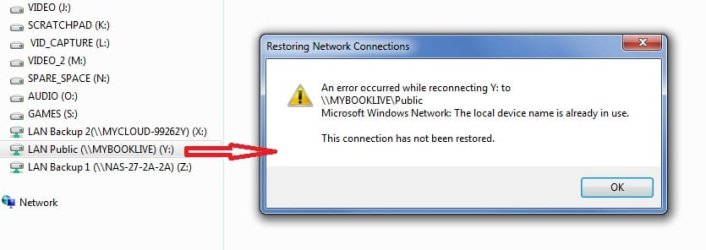
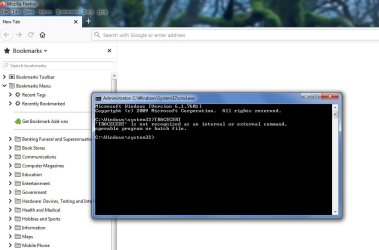
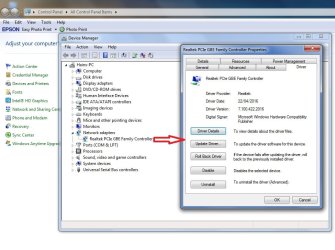
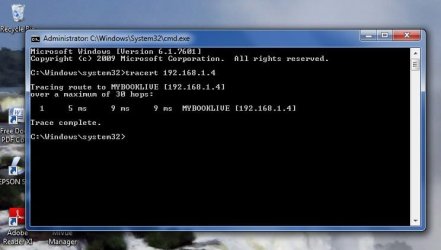
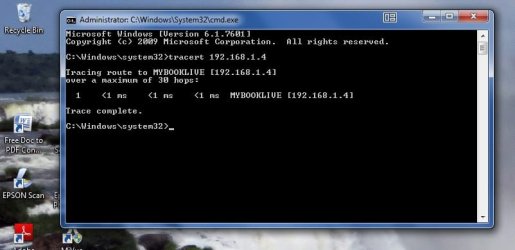
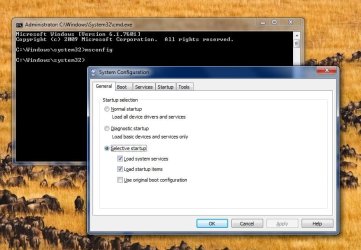
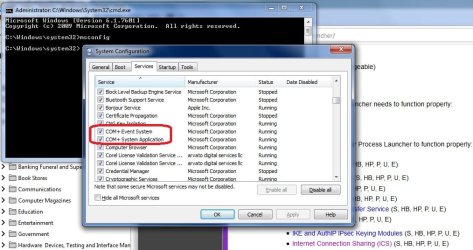
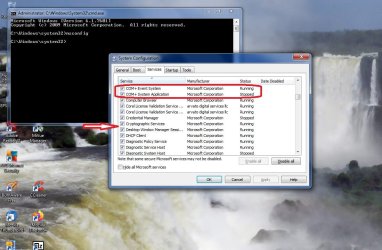

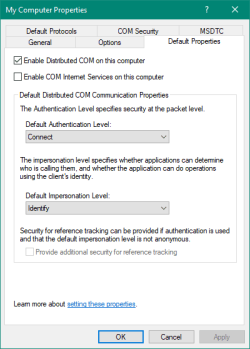
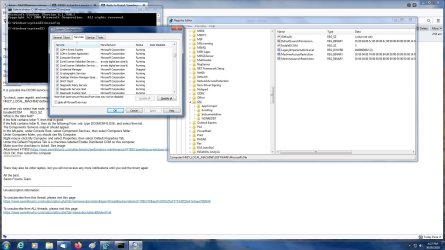
 rb: type DCOMCNFG.EXE, and select from list.