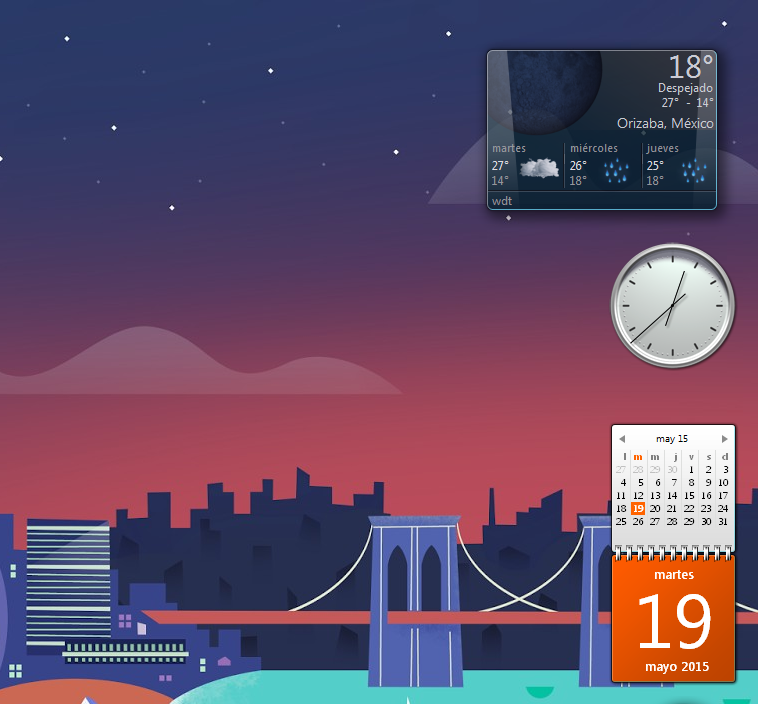
Well Dylematic, I kinda got the MSN Weather Gadget to change location.
I went to "C:\Users\%username%\AppData\Local\Microsoft\Windows Sidebar" and opened up the file settings.ini in Notepad. That is the settings file for the Weather Gadget. If you had your location programmed into the Microsoft Weather Gadget, your location information should be in there. The two lines you are looking for are WeatherLocation and WeatherLocationCode.
If you don't have it entered in your Weather Gadget, you can look it up here:
https://weather.codes/united-states-of-america/michigan/.
Next I went to "C:\Users\%username%\AppData\Local\Microsoft\Windows Sidebar\Gadgets\MSNWeather.gadget\en-US\js" and opened in Notepad the file localizedStrings.js also in Notepad. I replaced DefaultCity with WeatherLocation and DefaultLocationCode with WeatherLocationCode. Then I saved the file.
Right-clicked on the desktop and chose 'Gadgets', and chose MSN Weather. Worked fine.
I am still using the Microsoft Weather Gadget. The other fixes on the forum seemed to help.