You don't have to delete your current user to create a new one.

So you will be pretty safe to try.
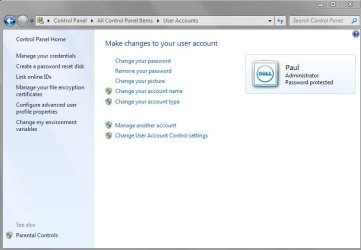
1- Go into Control Panel. And select User Accounts. (Sort by small icons if you don't see the option, on the top right)
2- Click Manage another account
3- Click Create a new account
4- Give it a name, and select administrator.
5- Click Create account
6- You will be back to the Manage Accounts screen.
7- Select your new account and click Create a password (not necessary but better safety wise I guess)
8- Log out and log in with the new account, it will be listed in the log in screen.
9- Try to run 3d Studio Max, if it runs great! if not uninstall and reinstall
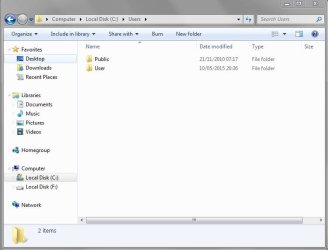
10- If you need any data from your other account (documents/favorites etc, you can copy paste to new user account appropriate folder)